

Modular
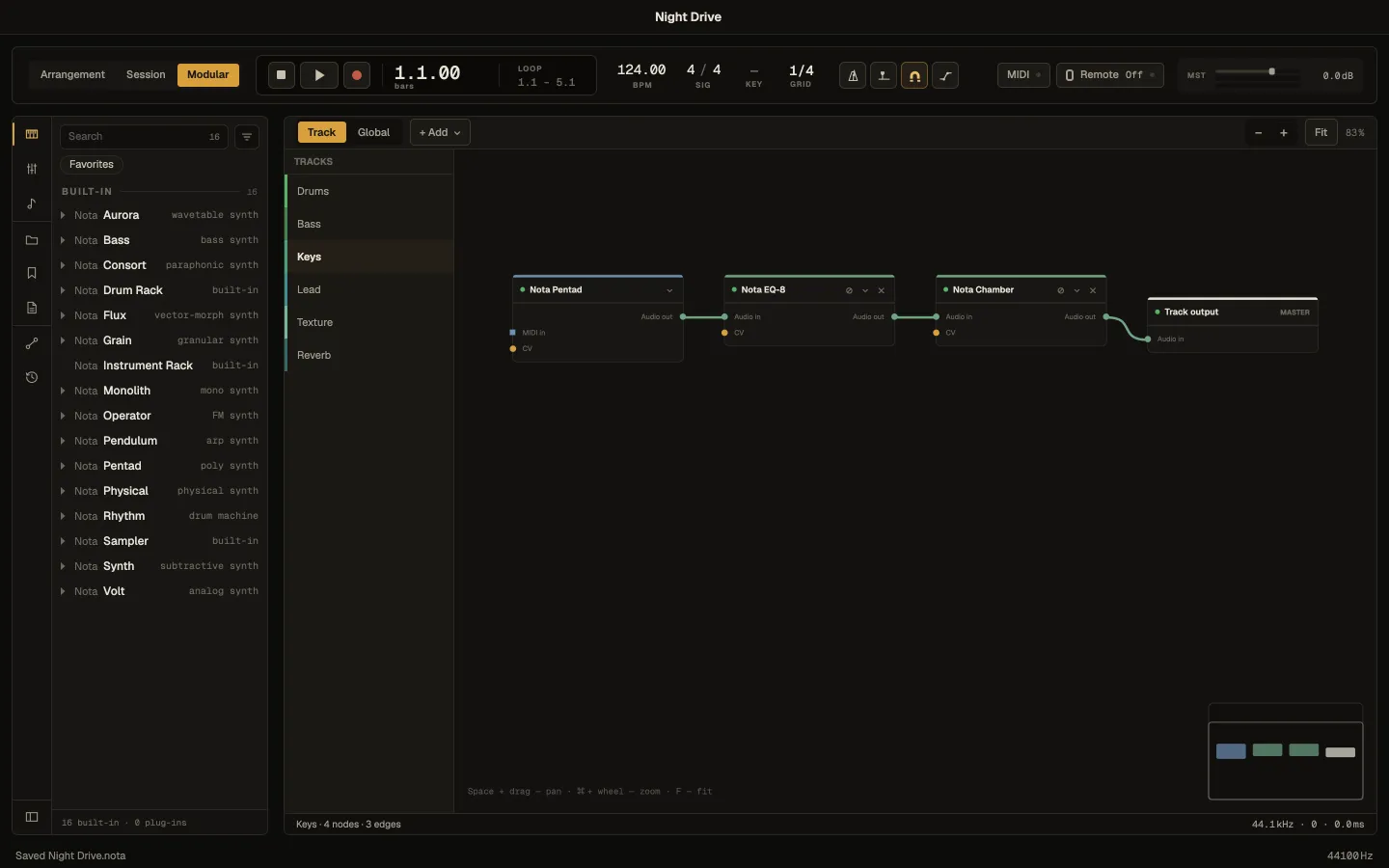
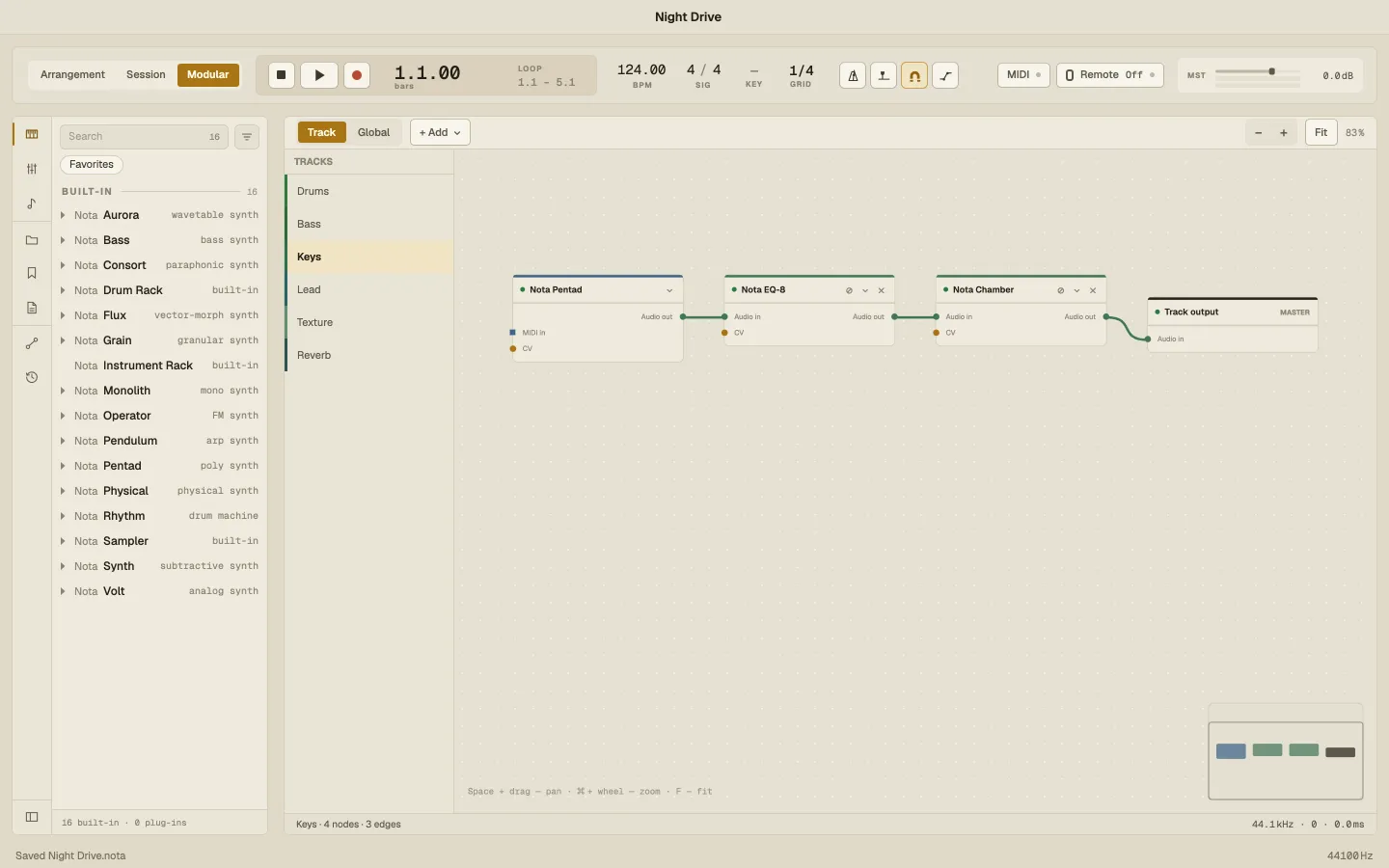
The Modular view draws a track’s devices as a graph — MIDI effects → instrument → effects → track output — and lets you patch CV modulation between them with cables. Switch to it with Modular in the transport bar.
Track and Global
Section titled “Track and Global”- Track shows the selected track’s chain. Pick another track in the list on the left.
- Global shows every track as an island, with the connections between tracks.
Move around the canvas with Space + drag, zoom with ⌘ + scroll, and press F (or Fit) to fit everything on screen. Node positions are saved with the project.
Each device is a node. On the canvas you can expand it, bypass it (B), duplicate, delete and reorder it — the same chain you see in the detail panel. A node shows only the knobs that have a CV patch attached; the ↕ button (or a double-click) expands the full list. Knobs on a node are the real controls — turning them changes the sound.
Cables are coloured by what they carry: audio, MIDI and CV each have their own colour.
Modulators
Section titled “Modulators”+ Add puts a modulator on the canvas. Its CV out port is what you patch:
| Modulator | Puts out |
|---|---|
| LFO | A repeating wave — sine, triangle, saw, square or random — free or synced to the tempo, with a phase |
| Envelope Follower | The loudness of the track’s audio |
| MIDI → CV | Note pitch, velocity or gate from the notes the track plays |
| ADSR | An attack–decay–sustain–release envelope, opened by each note |
| Macro | A knob you turn by hand (or map to a controller) |
| Math | Two CV inputs combined — Add, Subtract, Multiply, Min, Max — or one Inverted or Scaled |
Any parameter can also act as a CV source: right-click a knob ▸ Expose as CV output, or Modulate from a parameter. Nota Shutter’s step pattern can be sent out as CV too.
Patching
Section titled “Patching”Drag a modulator’s CV out onto a knob of any device, instrument or MIDI effect. A cable links them. Click the cable to set its depth and mode — Add (on top of the knob’s position), Multiply (scaled by it) or Override (replacing it); select it and delete it to remove it. Several modulations on one knob each get their own input and cable.
To modulate something on another track, drag the CV output onto that track in the list on the left and pick a parameter — or right-click a knob ▸ Modulate from another track.
CV Scope
Section titled “CV Scope”Add a Scope to watch any modulator’s signal as a moving line — handy for checking an LFO’s rate or how an envelope follower reacts.