

Nota Arp
Nota Arp turns held notes into a running pattern. Play a chord, get a sequence — up, down, in the order you played, random — shaped step by step by its groove lanes.
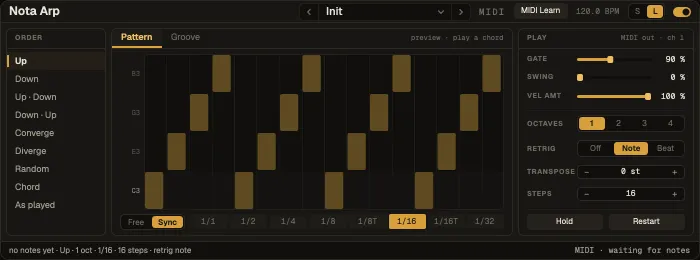
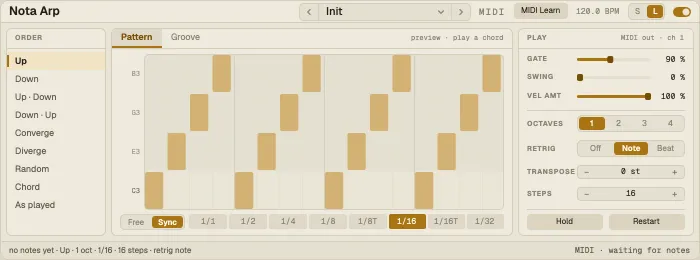
MIDI effects sit before the instrument in a track’s chain: add one from the browser’s MIDI effects tab. The S / L switch in the header picks a compact or a full card.
Up, Down, Up · Down, Down · Up, Converge, Diverge, As played, Random or Chord (the whole chord on each step). The order walks the whole range over the chosen octaves — Up · Down over two octaves climbs C3 … B4 and back.
Rate and Play
Section titled “Rate and Play”| Control | What it does |
|---|---|
| Free / Sync | Rate in milliseconds, or a note division |
| Gate | Note length as a share of the step |
| Swing | Delays the off-steps |
| Vel Amt | How much the played velocity carries through |
| Octaves | How many octaves the pattern spans |
| Retrig | Restart the pattern: Off, on each new Note, or on the Beat |
| Transpose | Shift the output |
| Steps | Loop length of the pattern |
| Hold | Keep playing after you let go |
| Restart | Start the pattern over now |
Groove
Section titled “Groove”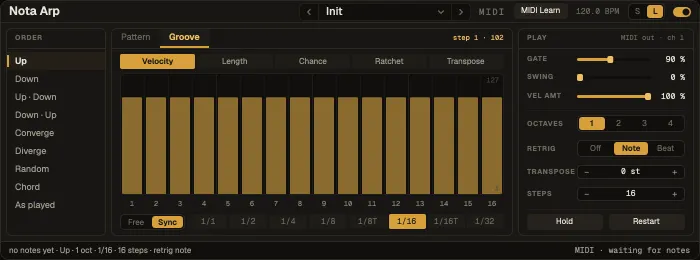
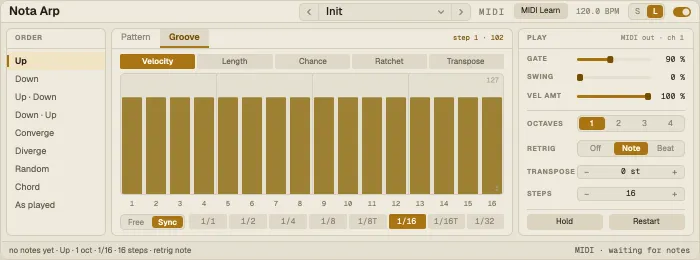
Six 16-step lanes — Velocity, Length, Chance, Ratchet (repeats a step’s note), Transpose and On — draw per-step variation into the pattern. The window animates: the head walks the steps and the cell that’s sounding lights up.
Presets
Section titled “Presets”30 factory presets, from simple runs (Up 1/16, Down 1/8, Octave Up-Down, Down-Up Cascade, Converge, Diverge Bloom, As Played Hook, Four-Octave Rise) to grooves (Trance Gate, House Offbeat Stab, Swing Groove, Velocity Accents, Bar Retrig Riff, Triplet Roll, Free Run 150 ms) and beyond.