

AI models
Two features in Nota use AI models. They’re optional downloads, and they run on your computer — the audio you give them never leaves it.
| Model | Used by | Size | By |
|---|---|---|---|
| htdemucs | Separate Stems — splits a mix into drums, bass, vocals and the rest | about 175 MB | Meta AI (Demucs v4), MIT |
| basic-pitch | Convert to MIDI — hears every note, chords included | under 1 MB | Spotify, Apache-2.0 |
Both run on ONNX Runtime, which comes with the first model you install and goes with the last one you remove.
Installing and removing
Section titled “Installing and removing”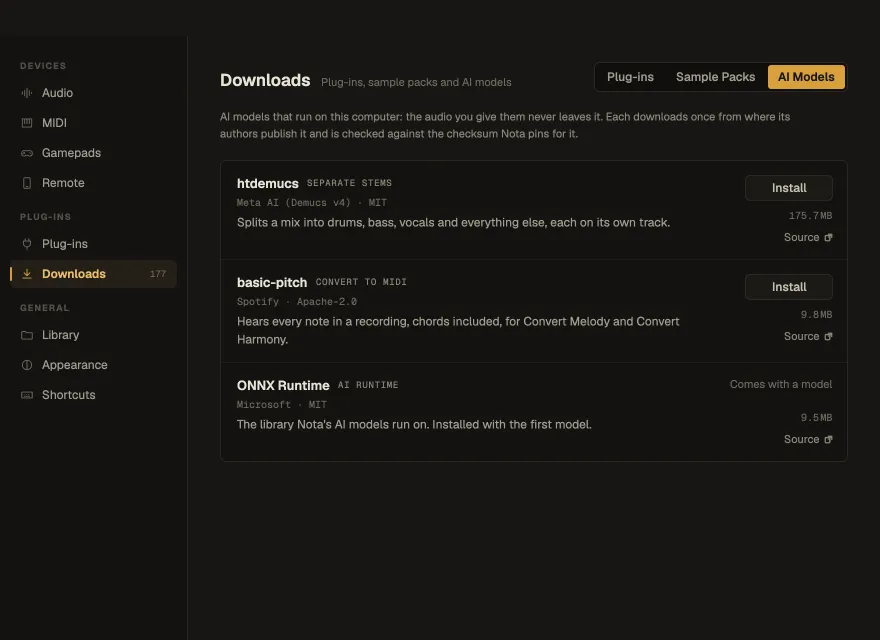
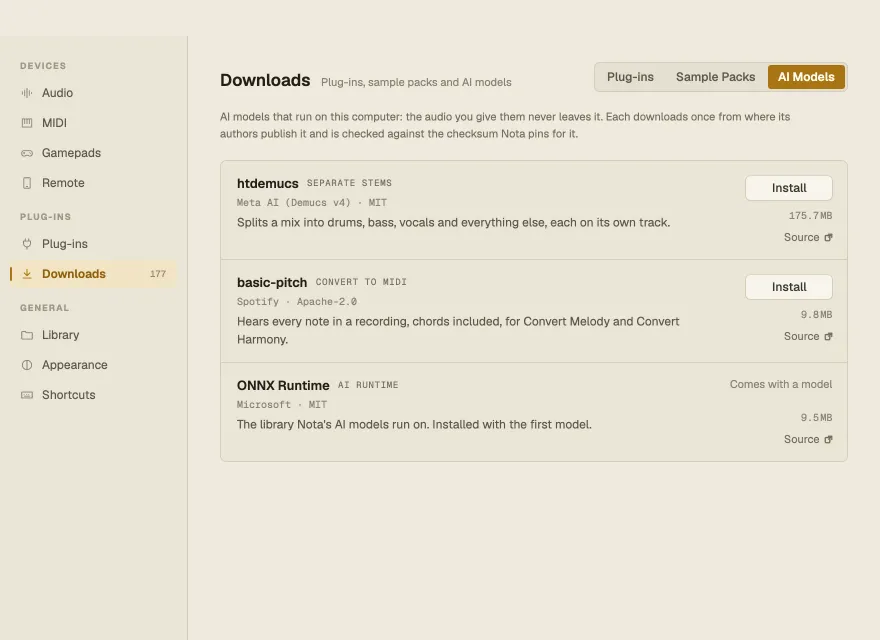
Settings ▸ Downloads ▸ AI Models: Install downloads a model from where its authors publish it and checks it against the checksum pinned in Nota; Remove deletes it (the feature then offers to download it again); Source opens the model’s project page.
You don’t have to come here first — Separate Stems… and the Convert menu offer the download the first time you need it. Downloads keep going after you close Settings; their progress moves to the main window’s status line.