

Downloading plug-ins
Settings ▸ Downloads ▸ Plug-ins lists open-source VST3 plug-ins from the Nota plug-in registry — synths like Surge XT and Dexed, effects like Dragonfly Reverb and CHOW Tape Model, sequencers like Stochas, and many more — ready to install with one click.
Finding a plug-in
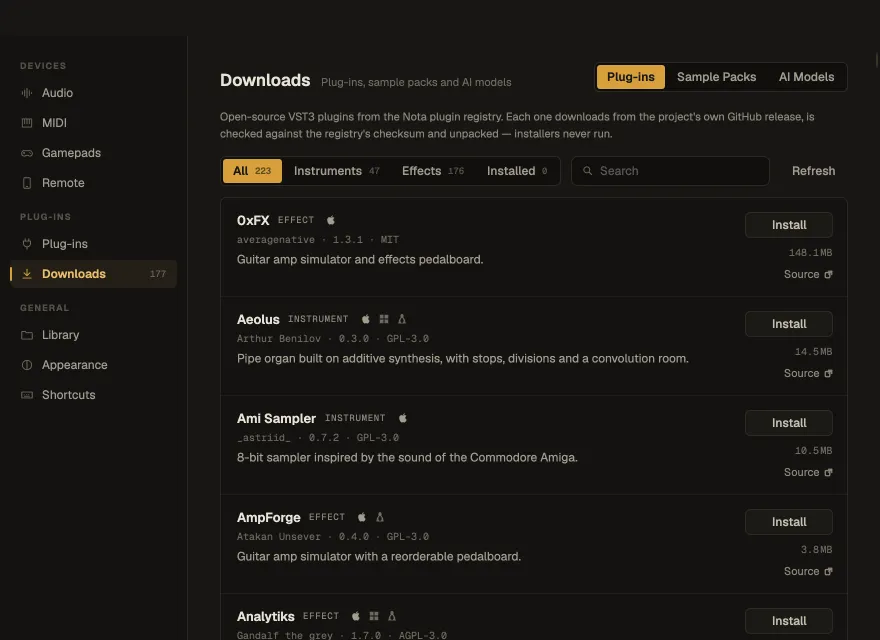
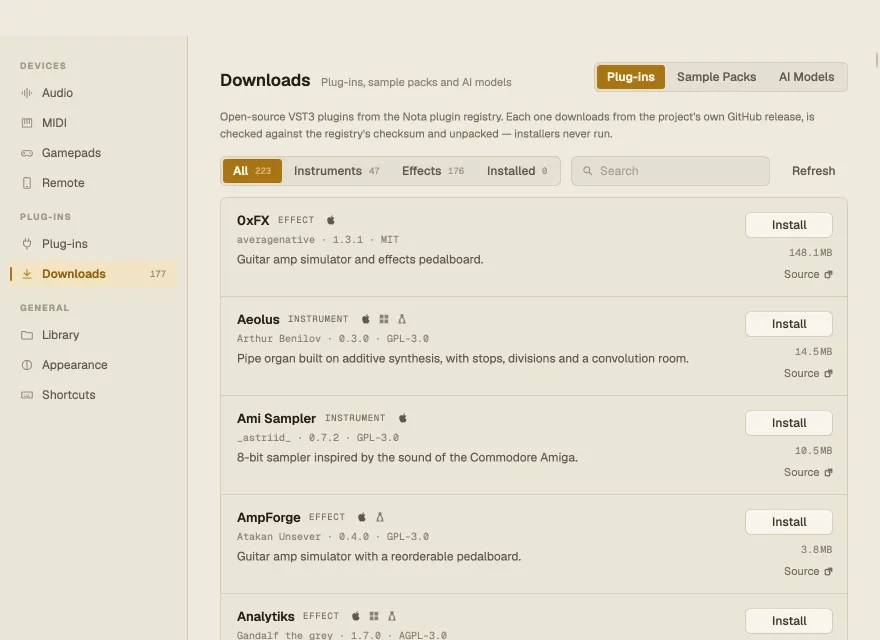
Section titled “Finding a plug-in”Filter by All, Instruments, Effects or Installed (each with a count) and search by name. Each row shows the plug-in’s type, author, version and licence, a one-line description, its download size, and icons for the systems it runs on (hover for the processors). Plug-ins that can’t be installed on this computer are listed last with the reason. Refresh reloads the registry.
Installing, updating, removing
Section titled “Installing, updating, removing”- Install — downloads the plug-in from its project’s own release, checks it against the registry’s checksum, unpacks it and scans it. Installers are never run.
- Update to … — appears when a newer version is in the registry.
- Remove — uninstalls it; projects that use it open without it until you install it again.
- Source — opens the plug-in’s repository.
A progress bar with Cancel stays at the bottom of the window. Downloads keep going after you close Settings — their progress moves to the status line of the main window.