

Nota MIDI Effect Rack
Nota MIDI Effect Rack sits with the other MIDI effects, before the track’s instrument. Its chains each take part of what you play and run it through their own MIDI effects — an arpeggio above C3, chords below, accents only on hard hits — and their notes merge into one instrument.
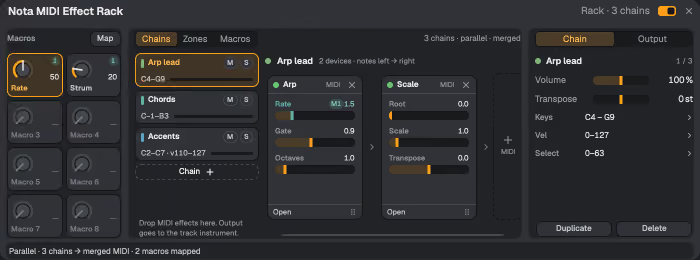
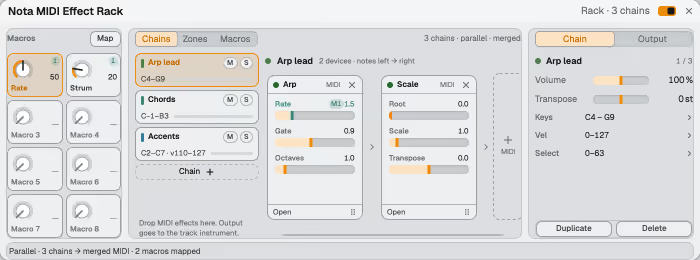
It uses the same card as the Instrument Rack: macros, the Chains, Zones and Macros tabs, the Chain and Output panel. Find it in the Browser under MIDI effects · Racks. A chain’s MIDI effects move, copy and paste as in the Instrument Rack — between chains, racks and the track’s own MIDI effects.
Chains
Section titled “Chains”A chain is a row of built-in MIDI effects (Arp, Chord, Scale, Length, Velocity, Random) that run left to right. Drop them from the Browser on the chain or on the dashed target; a MIDI effect dropped on the chain list starts a new chain. A rack holds up to 16 chains.
In the Chain panel, Volume scales the velocity of the chain’s notes (100 % leaves it alone, 0 % silences the chain) and Transpose moves them up or down by up to 48 semitones.
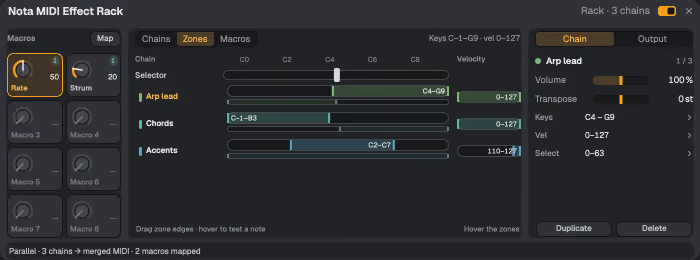
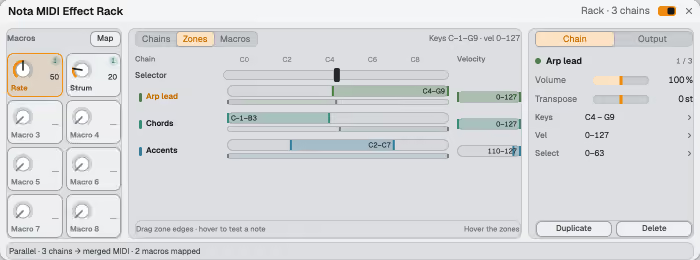
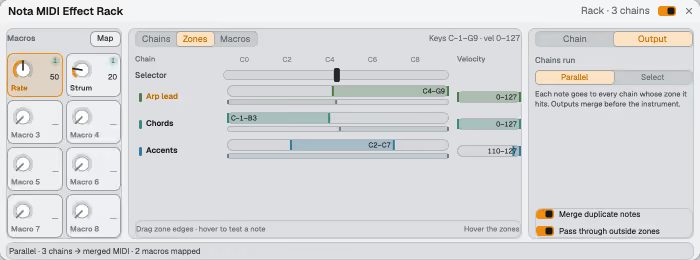
Each chain takes the notes inside its key and velocity zones; drag the edges to set them and hover to see which chains a note would reach. In Select mode the Selector and each chain’s thin select range under its key zone decide instead which chains get notes — map the selector to a macro to switch parts from a controller.
Output
Section titled “Output”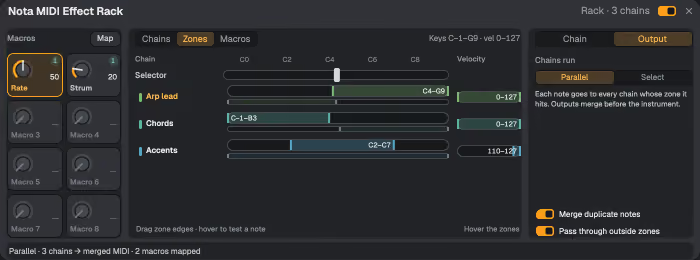
| Setting | What it does |
|---|---|
| Parallel | A note goes to every chain whose zone it hits |
| Select | Only the chains whose select range holds the selector get notes |
| Merge duplicate notes | Two chains sending the same pitch play it once |
| Pass through outside zones | Notes no chain takes reach the instrument unchanged |
- From the track’s MIDI effects: select them (⇧-click for a run) and press ⌘G to fold them into a new MIDI Effect Rack; ⌘⇧G takes them out again.
- Split arp: an Arp chain from C3 up, a Chord chain below, both into one synth.
- Accents: a chain with velocity 110–127 and a Random, so only hard hits wander.
- Parts on a macro: Select mode, chains with neighbouring select ranges, the selector on a macro.