

Outputs
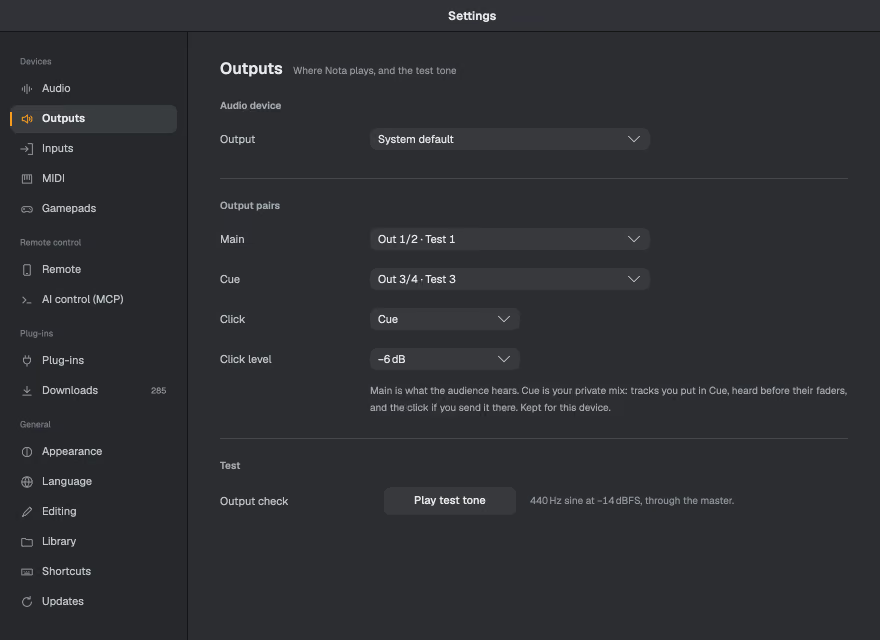
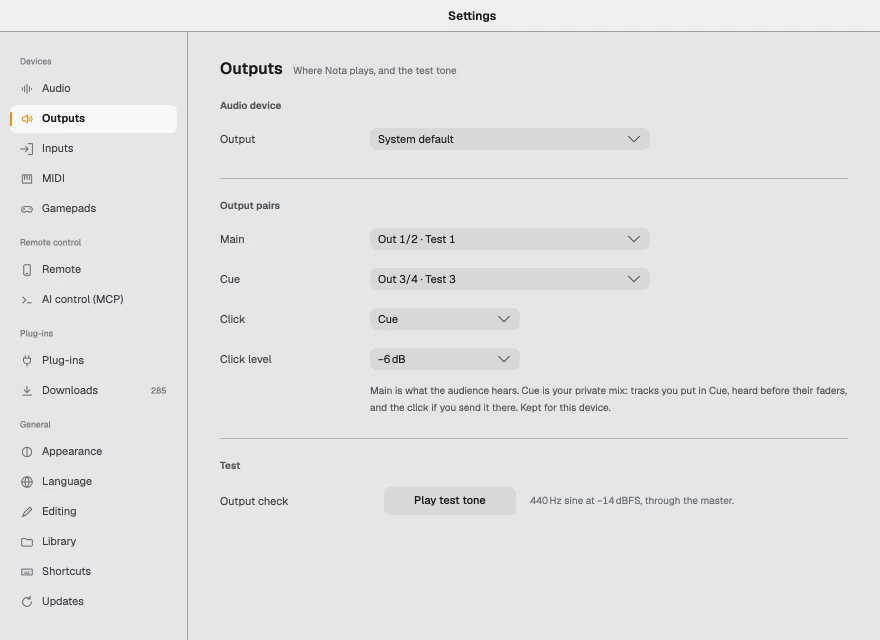
| Setting | What it does |
|---|---|
| Output | The audio device Nota plays through. System default follows the computer’s own choice |
| Main · Cue · Click · Click level | Which outputs of that device play the master and your private Cue mix, and where the click goes — see Output pairs |
| Output check | Play test tone — a quiet 440 Hz sine through the master, to check you hear Nota at all. It stops when you leave the page |
Sample rate, buffer size and latency are on Audio.
Output pairs
Section titled “Output pairs”On an audio interface with more than two outputs, Output pairs splits what you hear from what the audience hears: Main goes to one pair of outputs, Cue — your own private mix — to another, for example Main on 1/2 for the speakers and Cue on 3/4 for your headphones.
| Setting | What it does |
|---|---|
| Main | The output pair the audience hears — the master. Out 1/2 unless you choose another |
| Cue | A second pair for your Cue mix, or No cue output. Main’s pair can’t be picked here, nor Cue’s pair in Main |
| Click | Where the metronome and the count-in go: Main, Cue or Both. Without a Cue output only Main is available |
| Click level | The click’s own level: Off, or −18 to +6 dB |
The pairs are listed by number and by the name the device gives them (Out 3/4 · Phones); a lone last output is listed on its own (Out 5). A device with just two outputs keeps Main on 1/2 and says No cue output — this device has 2 outputs.
Changes apply at once, while you play — the device doesn’t restart. The setup is kept for each device on this computer, so your interface keeps Cue on 3/4 while the laptop’s speakers stay a plain stereo pair. Which tracks are in Cue, and the Cue level, are saved with the project — see Cue: your own mix.
If the device doesn’t have a saved pair any more — another device is chosen, or the interface is unplugged — the pair is listed as Out 3/4 — not on this device:
- a missing Cue pair goes silent. Nothing is moved into Main, so the audience never hears your Cue mix by accident;
- a missing Main pair plays on outputs 1/2 instead, and says so here and on the Master strip.
ASIO (Windows)
Section titled “ASIO (Windows)”With ASIO chosen as the audio system on Audio, the driver is both Nota’s output and its input, so it is picked there, not here. This page names it, with Change on the Audio page to go there. While the driver runs, Main under Output pairs is the channel pair Nota plays through, with Cue beside it if you want one; the pairs are named as the driver names its channels. Outputs that carry neither stay silent.