

Updates
Automatic updates
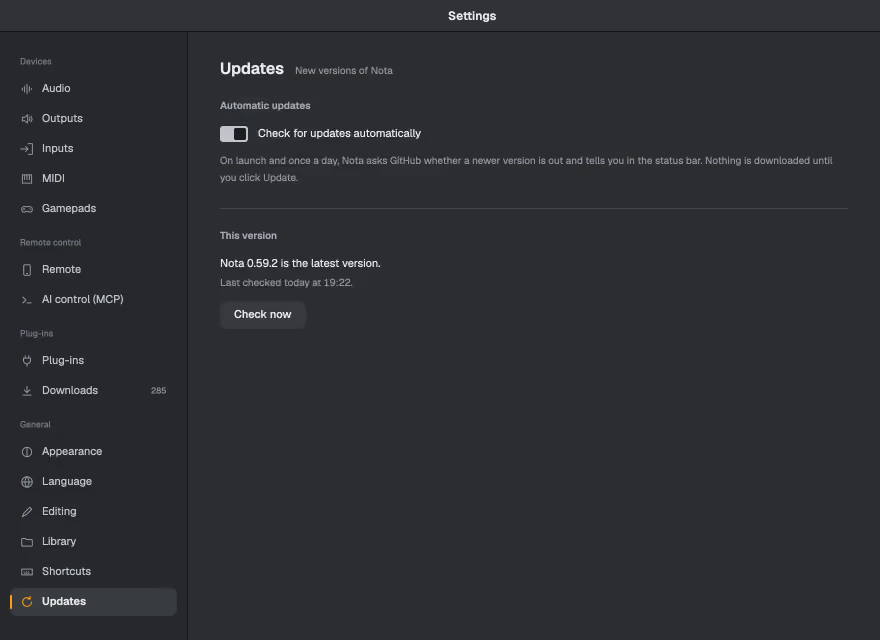
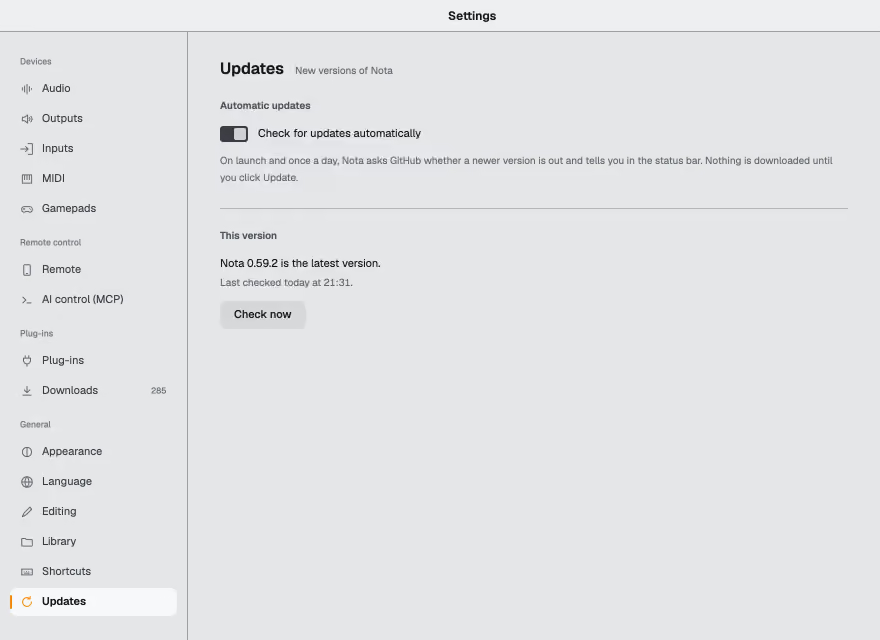
Section titled “Automatic updates”Check for updates automatically — on every launch and once a day while it runs, Nota asks GitHub whether a newer version is out. On by default. Nothing is downloaded until you click Update; turn it off and Nota only checks when you ask.
This version
Section titled “This version”Shows the version you have and what the last check found: that it’s the latest, that a newer version is available, or that GitHub couldn’t be reached. Check now asks again.
When a newer version is out, Update downloads it here (the progress shows on the page and in the status bar; Cancel stops it). It installs the next time you quit Nota, or straight away with Restart to update in the status bar. A copy that can’t replace itself — a development build, or one run straight from the disk image — says so, and its button reads Download: it opens the release page.
See Updates for where else Nota tells you about a new version.