

Remote
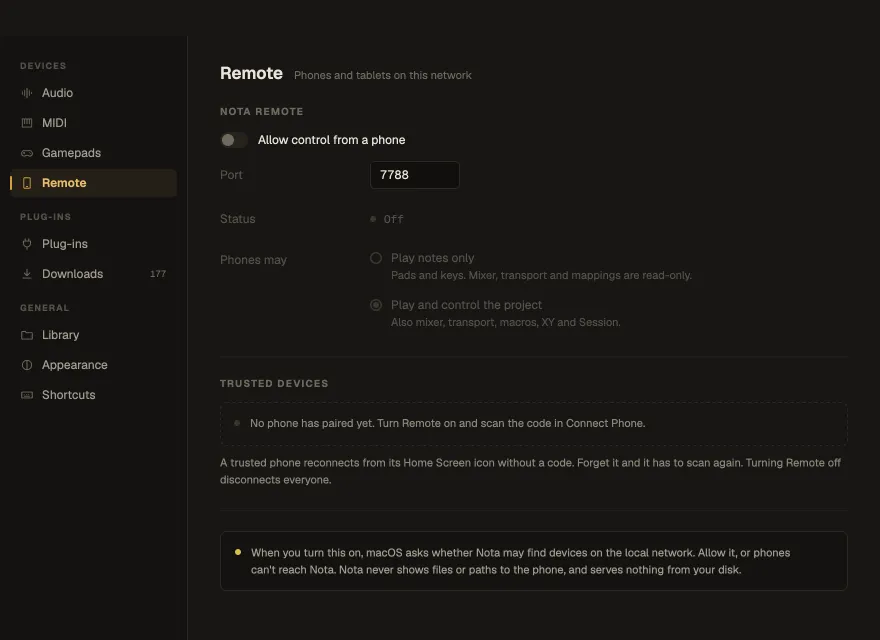
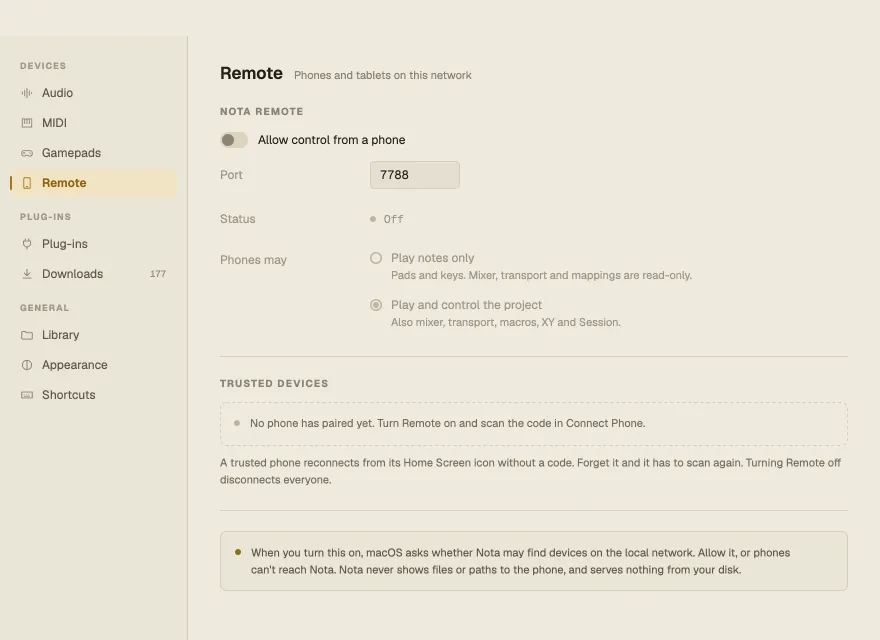
| Setting | What it does |
|---|---|
| Allow control from a phone | Turns Nota Remote on (off by default) |
| Port | The network port phones connect to (7788 by default) — allow it in your firewall if one is on |
| Status | Where Nota is listening, including a USB address when a phone is on a cable |
| Phones may | Play notes only (pads and keys) or Play and control the project (also mixer, transport, macros, XY and Session) |
Trusted devices lists the phones that have paired. A trusted phone reconnects from its Home Screen icon without a code; Forget disconnects it, and it has to scan a new code to come back. Turning Remote off disconnects everyone.
When you turn it on, macOS asks whether Nota may find devices on the local network (Windows: whether it may use the network) — allow it, or phones can’t reach Nota. See Nota Remote.