

Nota Lens
Nota Lens shows what a sound is made of. It changes nothing — put it anywhere in a chain, or on the master, to look at the spectrum, the waveform or how the sound evolves over time.
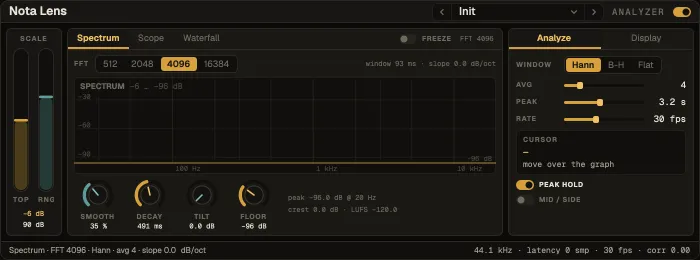
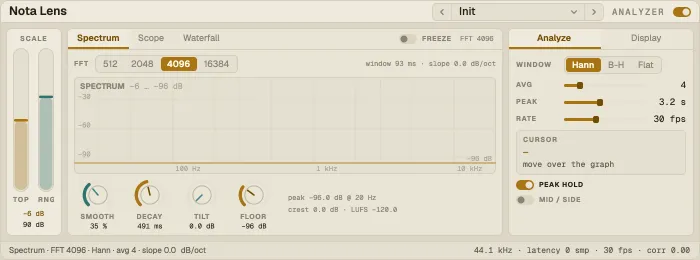
Layout: the Scale rail on the left, one large graph in the middle with three views, an Analyze / Display panel on the right and a status line.
Spectrum
Section titled “Spectrum”An FFT spectrum on a log frequency scale: FFT size and window, Avg, smoothing, decay, a Tilt (so a balanced mix looks flat), a floor, and peak hold. Mid/Side shows the mid or the side instead of left / right.
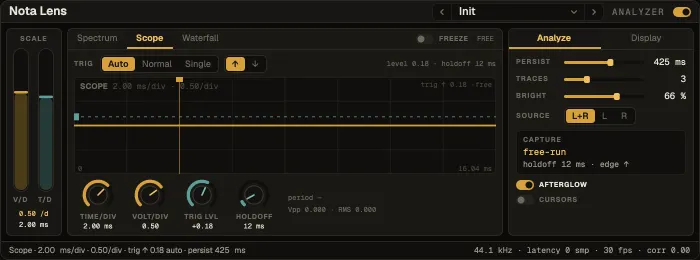
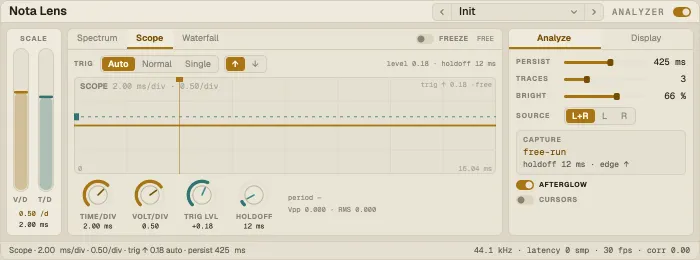
A triggered oscilloscope that behaves like a bench instrument: the trace is pinned to the trigger point and stands still, older passes fade (Afterglow). Free runs untriggered; a Single capture holds one sweep. Cursors A and B measure time and level between two points. Export WAV saves the captured window.
Waterfall
Section titled “Waterfall”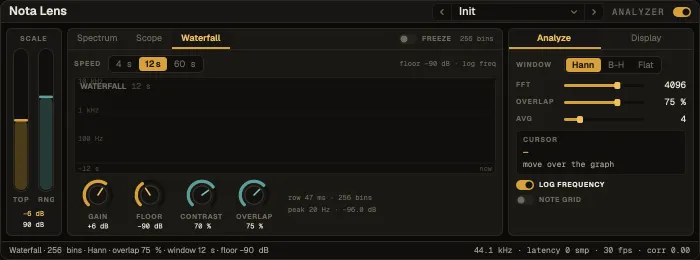
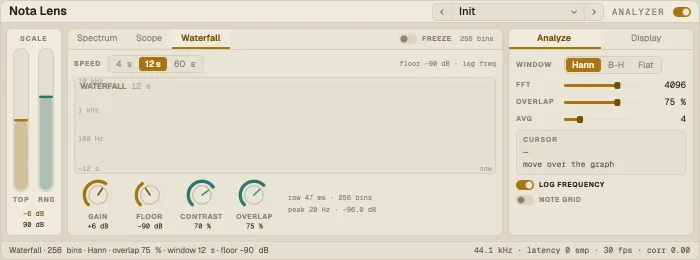
The spectrum over time, scrolling — see resonances ring, reverb tails decay and drum patterns repeat. Contrast and brightness set how much detail shows.
Common controls
Section titled “Common controls”Freeze stops the display; Source picks what is analysed; the scale’s top and range set the vertical view. The status line carries loudness and the measurements.
Presets
Section titled “Presets”32 factory presets: spectrum (Mix Overview, Fine Resolution, Fast Response, Low End Focus, Tonal Balance, Peak Finder, Flat-Top Calibration, Mid / Side Check, Noise Floor, Tuning Check, Loudness Watch, Linear Sweep, Master Bus), scope (Scope · Waveform, · Transient, · Single Shot, · Sub Bass, · Clip Watch, · Side Signal, · Afterglow, · Cursor Measure, · High Frequency, · Left Channel, · Right Channel, · Falling Edge) and waterfall (Waterfall · Arrangement, · Detail, · Resonance Hunt, · Reverb Tail, · Noise Print, · Drum Pattern, · Vocal Formants).