

Library
Content folders
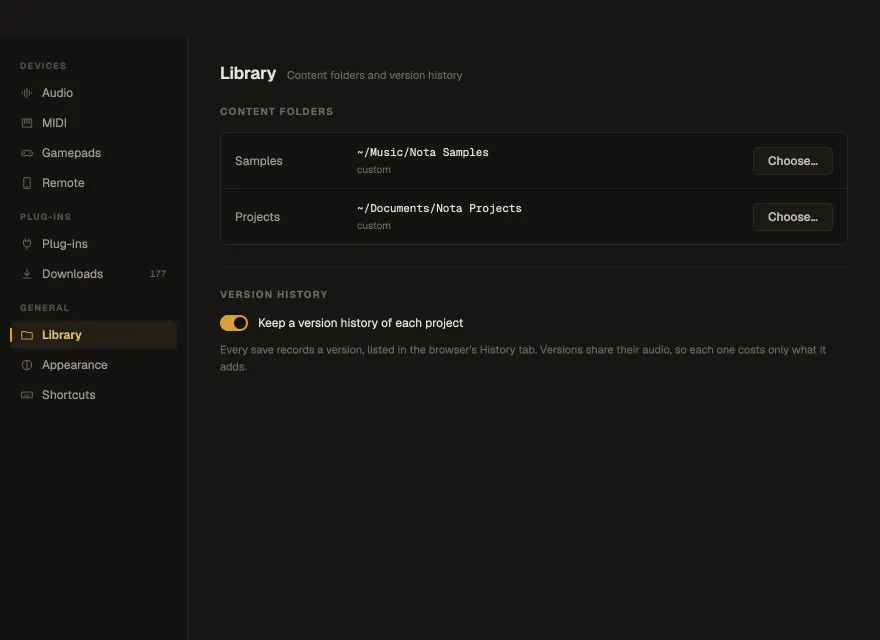
Section titled “Content folders”- Samples — the folder the browser’s Files tab shows and Smart samples
analyses; sample packs install into it. By default
~/Music/Nota Samples. - Projects — the folder the browser’s Projects tab lists. By default
~/Documents/Nota Projects.
Choose… picks another folder.
Version history
Section titled “Version history”Keep a version history of each project — every save records a version, listed in the browser’s History tab; versions share their audio, so each costs only what it adds. On by default. Turning it off erases the history of the open project, after a warning (Turn off and erase). See Version history.