

Nota Utility
Nota Utility does the plain but essential jobs: make it wider or narrower, mono the bass, flip polarity, trim the level — or hold it at a loudness target.
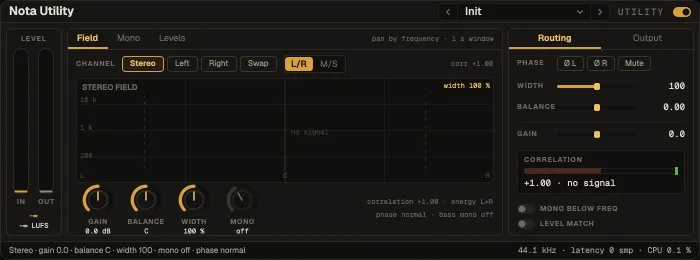
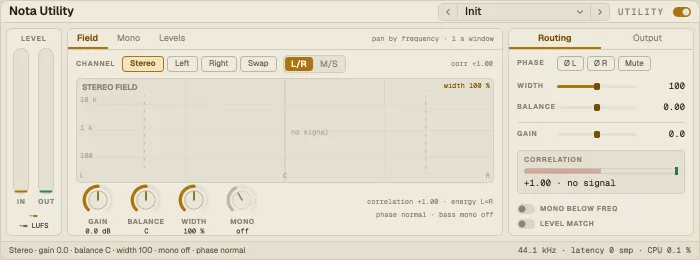
Layout: the Level column on the left (input and output meters), a centre panel with three tabs, a right panel (Routing / Output) and a status line.
The stereo field by frequency — where each band sits, how wide, how correlated.
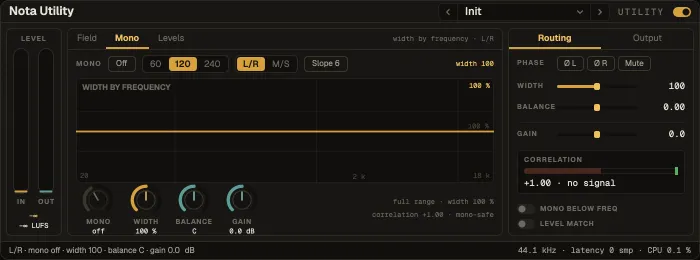
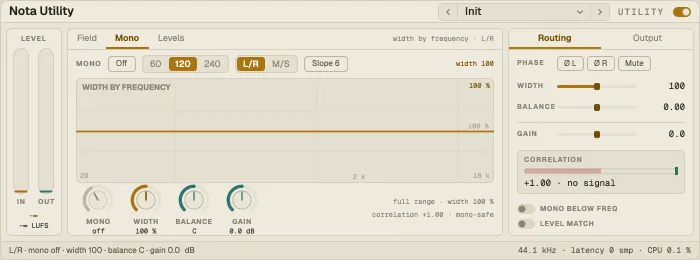
The width over frequency with the mono region marked. Mono below a frequency (Mono f), at 6, 12 or 24 dB/oct, keeps the low end centred.
Levels
Section titled “Levels”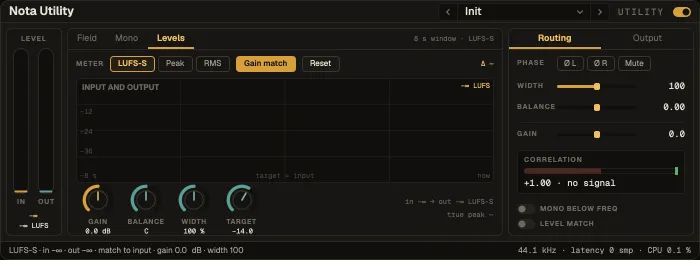
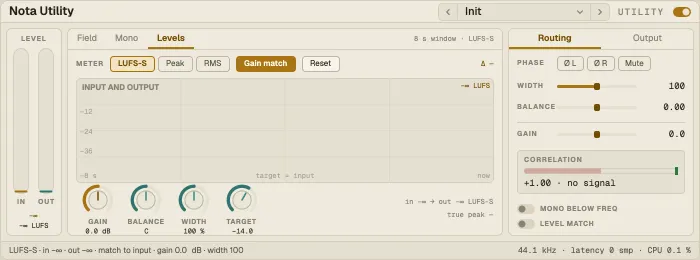
Input and output over the last 8 seconds against the target, in the chosen Meter unit: LUFS-S, sample peak or RMS.
Routing and Output
Section titled “Routing and Output”| Control | What it does |
|---|---|
| Channel | Stereo, Left, Right or Swap |
| Width | Stereo width; two laws — L/R (the side is scaled; wider gets louder) or M/S (mid and side are traded; 200 % = side only) |
| Balance | Left / right balance |
| Invert L · Invert R | Flip a channel’s polarity |
| Mute | Mute the output |
| Gain | Output gain |
| Gain match | A one-shot match: sets Gain so the output equals the input (or the target) |
| Level match | Continuous auto-match, to the input’s level or to a Target |
| Ceiling | A true-peak safety limiter at the end, with its ceiling |
Presets
Section titled “Presets”31 factory presets: width (Stereo Widener, Wide, Wide Master, Wide Pad, Narrow, Mono, Side Only), low end (Bass Mono, Mono Maker, Club Low End, Sub Mono 60, Vinyl Safe), routing and polarity (Swap L/R, Left Only, Right Only, Polarity Flip, Fix Left Polarity, Mute), gain (Trim −6 dB, Boost +6 dB, Gain Match −9) and loudness (Level Held, Level Match, RMS Match, Streaming −14 LUFS, Podcast −16 LUFS, Broadcast −23 LUFS, Peak Target −3 dB, True-Peak Safety).
- Fair A/B: put Utility after a chain and use Gain match to hear the effect, not the loudness change.
- For streaming: for a final loudness tool with a gain ride, see Nota Level.