

Language
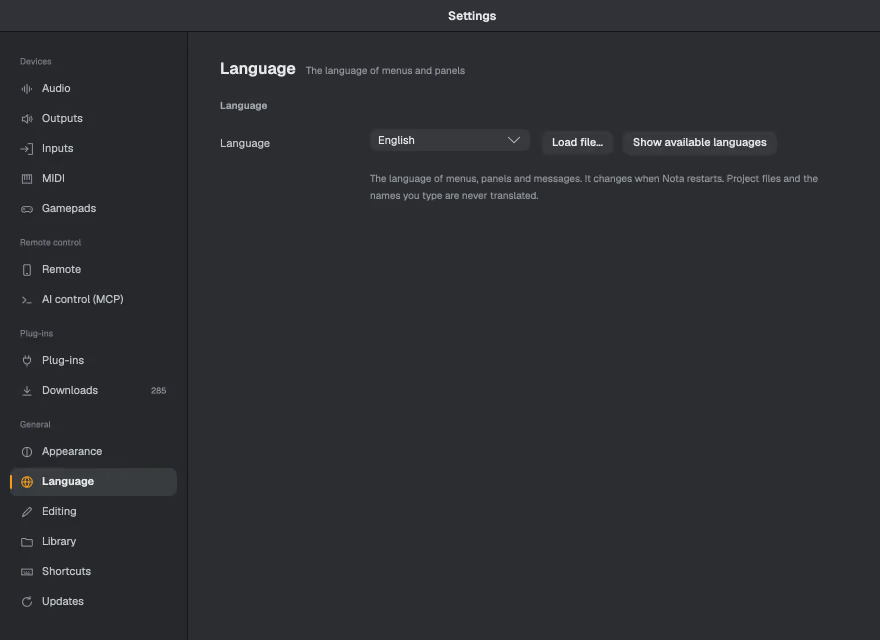
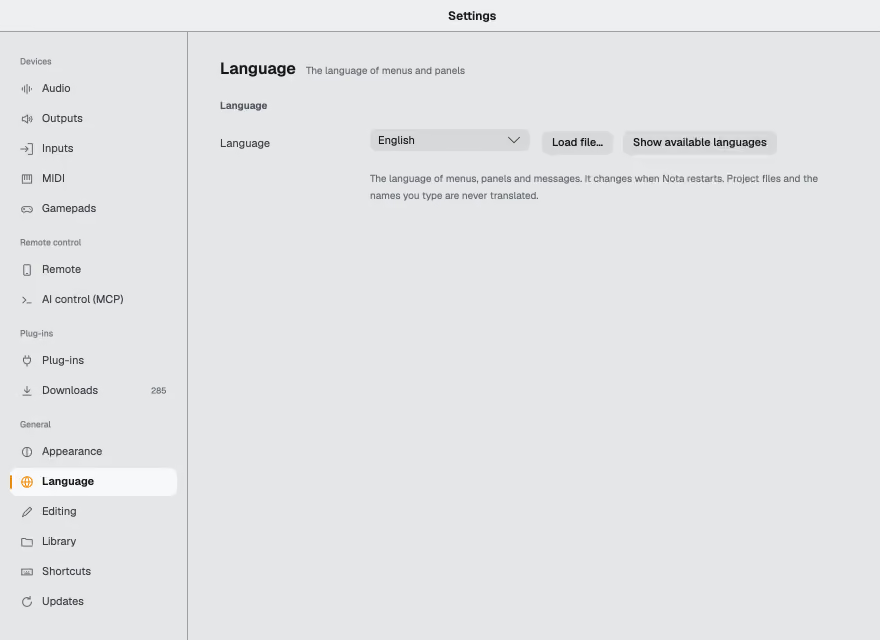
Sets the language of Nota’s menus, panels, dialogs, tooltips, status and error messages and the command palette. Nota comes in English; every other language is downloaded from nota-translations, where translators keep them. The list shows English, the languages you have, and — when Nota is online — the ones you can download, each in its own name with how much of this version it covers (99 %: a few new texts still show in English).
Pick a language you don’t have and Nota downloads it right there (a small bar shows the progress), checks it against its published checksum and keeps it, so it works offline from then on. If the download fails the row says why and nothing changes. When a better translation of your language is published, an Update button appears beside the list; Remove deletes the chosen language (Nota goes back to English from the next start).
The choice is saved and applies the next time Nota starts. Right after you pick one the row says Applies after restart, with a small Restart button beside it: it closes Nota the usual way (asking first about unsaved changes — cancel that and Nota stays open) and opens it again in the new language. Pick the language that is running again and the note goes away. A copy of Nota that can’t start itself again (a development build) says Applies the next time Nota starts instead.
If you used French before Nota started downloading languages, it fetches French in the background on its first start, still in English, and the status bar says Français is ready — restart to use it; click it to restart. With Check for updates automatically off (Settings ▸ Updates) Nota never goes online by itself: the row offers Show available languages, and you download a language by choosing it.
Load file… is for translators: pick a language file from your disk and Nota runs in it after a restart, reading it from that place each time, so you can edit and restart to see your changes. The entries it can’t use are listed under the row (and those show in English). How to write and publish a translation is in the nota-translations README.
What the language doesn’t touch:
- Device and parameter names — “Cutoff”, “Attack”, “Reverb”, “Nota Volt” — stay in English in every language, as in studio vocabulary and tutorials. The tooltips and descriptions around them are translated.
- Your own names for projects, tracks, clips, scenes and sections are never translated, and the language never changes what is saved in a project.
- Nota Remote, the AI control tool descriptions and the log files are not translated.
On a Mac, the system’s own text — the application menu’s Hide and Quit, the open and save panels — follows the language too, from the next start. English is the default whatever your operating system’s language is: nothing changes until you choose. A text that has no translation yet shows in English.