

Nota Drum Rack
Nota Drum Rack plays a different sound on every pad. Load one-shots or instruments onto the pads, give each its own effects, and program it from the piano roll or the Pattern step grid.
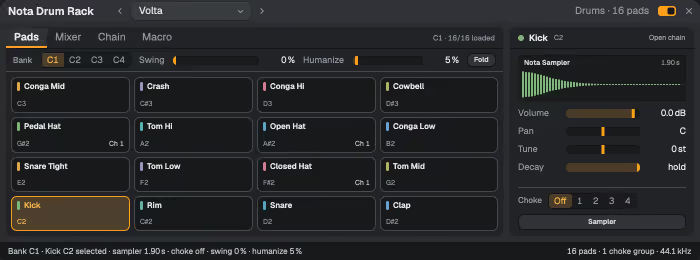
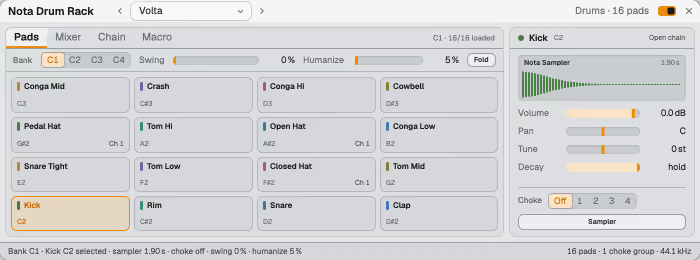
The kit picker in the card header loads any of the 25 factory kits in place, and names the kit the rack holds: Volta, Kompakt, Micron, Linnwood, Atelier, Cellar, Neon, Foundry, Terra, Aether, Brass Room, Breakline, Bunker, Pixel, Velvet, Circuit, Yard, Byte, Lagoon, Titan, Shuffle, Mirrorball, Pit, Hyper and Crate — from warm analog and 80s PCM to jungle breaks, amapiano log drums and orchestral percussion.
Each kit has 16 pads on the General MIDI map (notes 36–51), hats choked together, its own swing and humanize, effects on the pads (kick saturation, snare and clap reverb, hat delay) and its own macros. The sounds are synthesised on first launch, and appear in the browser’s Files tab under Nota Kits, ready to drag anywhere.
A 4 × 4 grid, pad 1 bottom-left as on hardware, in banks C1–C4 (16 notes each, up to 64 pads).
- Click a pad to play and select it. A sounding pad lights in its colour.
- A pad with a sample that isn’t looped plays its whole hit, however short the note: a one-shot. Turn on the sample’s loop, or load an instrument, and the pad stops when the note ends.
- Clicking a pad plays only this rack, even while another track is armed for recording.
- Drop samples on a pad to load them (several fill the pads after it); an empty pad also offers an instrument. A sample dropped on a pad that already plays one swaps only the sound: the pad’s level, pan, sends, choke and effects stay. A pad plays Nota Sampler, a built-in synth or Nota Mosaic.
- Right-click a pad to rename it, set its choke group, open its chain or remove it.
- Fold hides the empty pads. Swing and Humanize shape the kit’s feel.
- ⌘Z undoes a drop (several samples dropped together are one step), a rename, a note change and the pad’s chain edits.
The Pad panel on the right edits the selected pad: its one-shot with a playhead, Volume, Pan, Tune, Decay, the choke group (pads in one group cut each other — open and closed hats), and its instrument’s editor.
Mixer, Chain and Macro
Section titled “Mixer, Chain and Macro”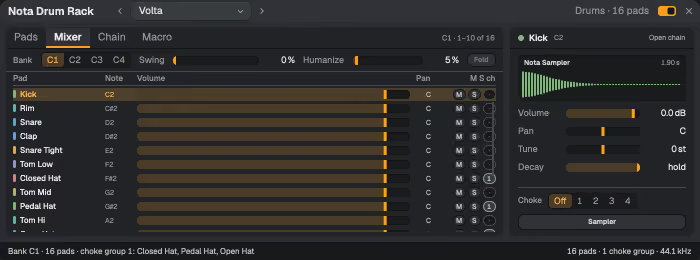
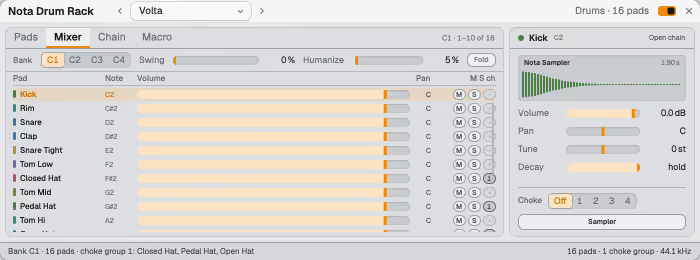
- Mixer — the bank’s loaded pads as rows: volume, pan, mute, solo, choke.
- Chain — the selected pad’s device chain: its instrument and its own effects.
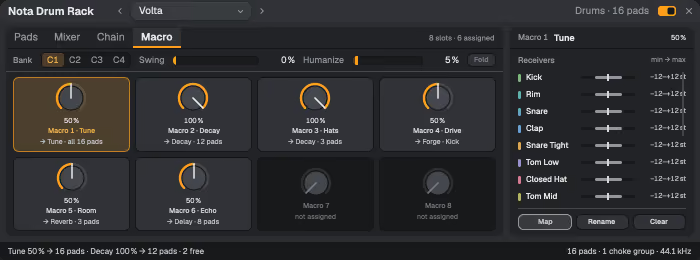
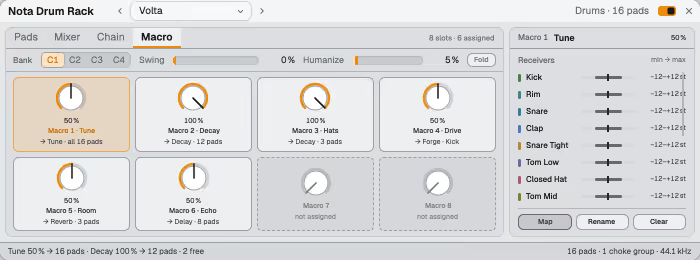
- Macro — the kit’s eight macros, mapped onto pad controls, pad instruments and the pads’ effects.
Programming
Section titled “Programming”A Drum Rack can also sit in a chain of an Instrument Rack, where its card opens in a window.
Double-click the clip and use the Pattern tab in the detail panel for a step grid with a row per pad — or the piano roll, where each pad is a note. Turn on Fold there and the piano roll shows just the pads, one named row each. Audio clips dragged from the Arrangement land on the next free pad.
Sidechain from a pad
Section titled “Sidechain from a pad”A device on another track can key off a single pad: in its sidechain source picker, pick the pad under this track. Pre takes the pad’s raw hit, before its effects and decay; Post takes it after its effects, decay, level and pan. The key stays on that pad when you add, remove or rename pads, and a muted pad still drives it — a “ghost kick” that ducks the bass without being heard.