

Nota Compressor
Nota Compressor evens out a signal: it turns down what goes over the threshold, then makes the result louder again. Glue a drum bus, level a vocal, pump a pad from the kick.
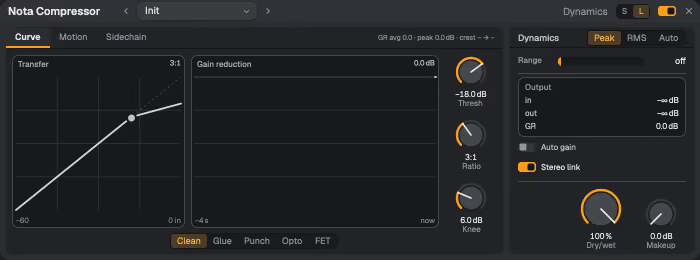
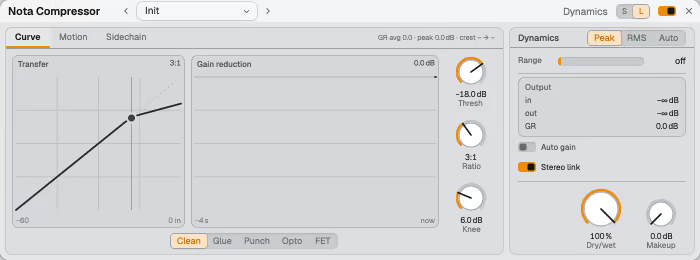
Layout: three graphs in the centre — Curve (Threshold, Ratio and Knee beside it, the character under it), Motion (Attack, Release and Hold beside it) and Sidechain (HP, LP and Q beside it) — and a right panel that follows the tab: Dynamics (the detector, Range, the output levels, Auto gain, Stereo link), Timing (Auto-release, look-ahead, what the detector runs now) and the key (External, Listen, the source, its tap, SC Gain). Under it on every tab sit Dry/Wet and Makeup. The S / L switch in the header folds the card to S: the curve over the character and Threshold, Ratio, Release and Dry/Wet.
The transfer curve and the history of gain reduction. Drag the curve to set threshold and ratio.
Motion
Section titled “Motion”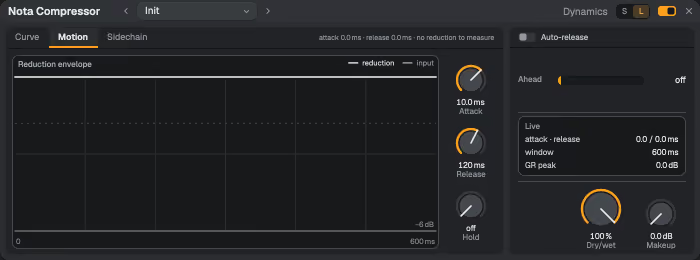
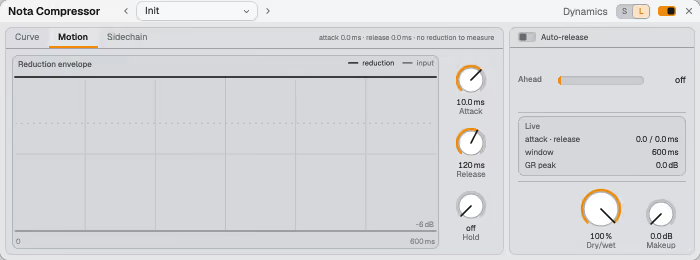
The gain-reduction envelope drawn against the input, so you see attack and release work rather than guess.
Sidechain
Section titled “Sidechain”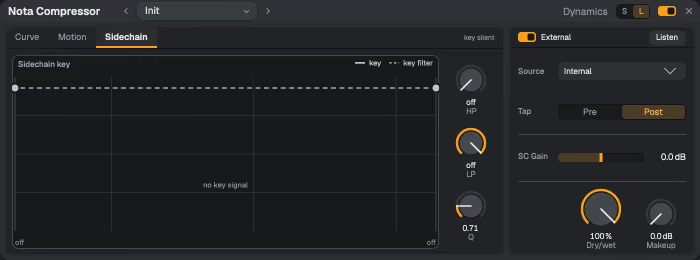
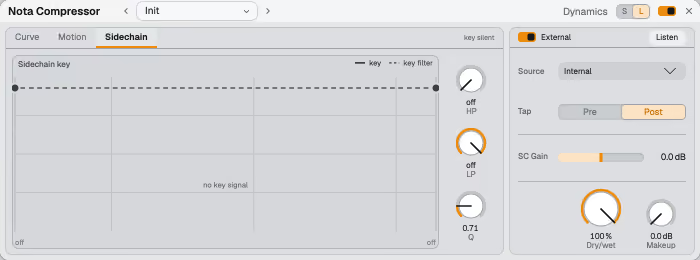
What the detector listens to: Internal (the track) or External key (another track, picked as the device’s sidechain source, Pre or Post its fader). The key menu also lists the pads of a Drum Rack, the chains of an Instrument Rack and the voices of Nota Rhythm under their track — key off one of them and only it drives the compressor; Listen then reads, say, Drums · Kick pre. The key’s spectrum is drawn under its filters — drag the HP and LP handles; Q shapes both. Listen lets you hear the key.
Dynamics and Output
Section titled “Dynamics and Output”| Control | What it does |
|---|---|
| Thresh · Ratio · Knee | Where it starts, how hard, how gradually |
| Attack · Hold · Release | How fast it clamps, holds, lets go — Auto release follows the material |
| Detect | Peak, RMS or Auto |
| Lookahead | Reacts before the peak arrives; the delay is compensated automatically |
| Range | The most it will ever reduce |
| Char | Five voicings: Clean, Glue, Punch, Opto, FET |
| Makeup · Auto gain | Gain after compression, by hand or automatic |
| Mix | Dry / wet — parallel compression in one knob |
| Stereo link | One gain for both channels, or each channel on its own |
Presets
Section titled “Presets”31 factory presets: drums (Drum Glue, Drum Punch, Snare Punch, Kick Tighten, Room Smash, Overheads Tame, Hat Smooth), bus and master (Bus Glue, Bus Parallel, Mix Bus Gentle, Master Leveler, Brick Limit, Peak Catcher), vocals (Vocal Opto, Vocal Leveler, Vocal Presence, Rap Vocal, De-Esser), instruments (Bass Even, Bass Pluck, Acoustic Guitar, Guitar Sustain, Piano Smooth, Pad Breathe) and ducking (Kick Duck, EDM Pump, Gentle Duck, Voice-over Duck, Bass Under Kick).
- Sidechain pump: External key from the kick, fast attack, release to taste — or start from EDM Pump. Kick inside a Drum Rack? Pick its pad (Drums ▸ Kick) rather than the whole kit.
- Parallel drums: a heavy ratio with Mix around 40 %.