

Nota Prism
Nota Prism splits the sound into Low, Mid and High and treats each band’s dynamics on its own: tame the low end without touching the vocal, lift the quiet details of the highs, glue a bus, squash everything upward.
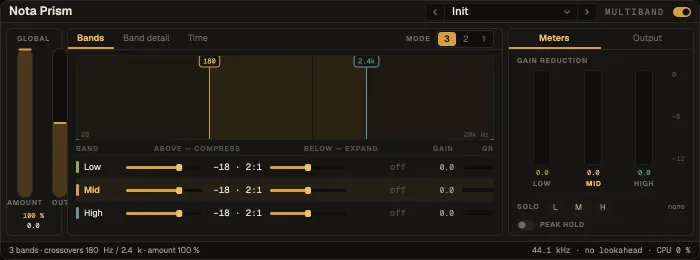
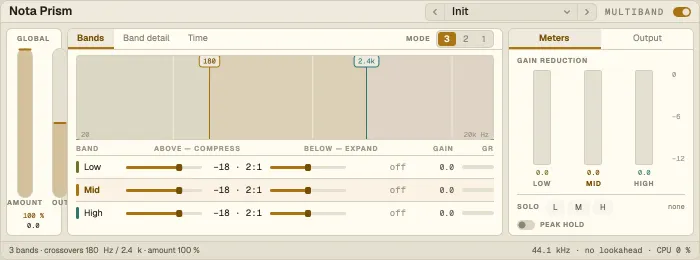
Bands are colour-coded: Low mauve, Mid brass, High teal.
The spectrum with the two crossovers — drag them. Choose 3 bands, 2 (Low + Mid) or 1 (full band). The crossovers are phase-aligned, so the bands add back up flat.
Band detail
Section titled “Band detail”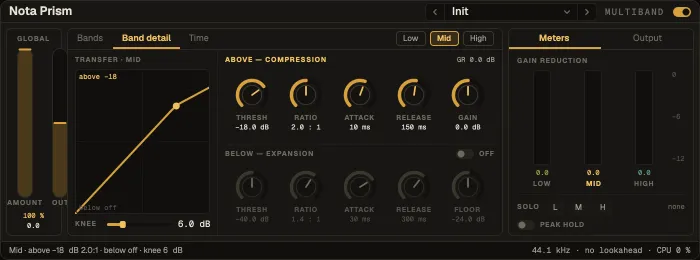
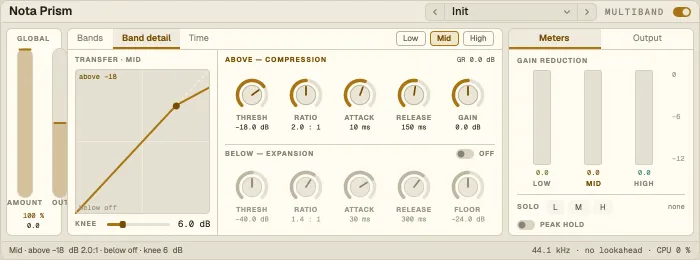
Each band has two processors — drag their threshold dots on the transfer curve:
| Processor | What it does |
|---|---|
| Above | Compresses what goes over its threshold — ratio 1:1 to ∞:1, soft knee |
| Below | Under a second threshold: expands downward (ratio > 1) or lifts upward (ratio < 1), within ± Floor dB |
Each with Attack and Release (auto release on Above), and a band Gain. Solo a band to hear it alone.
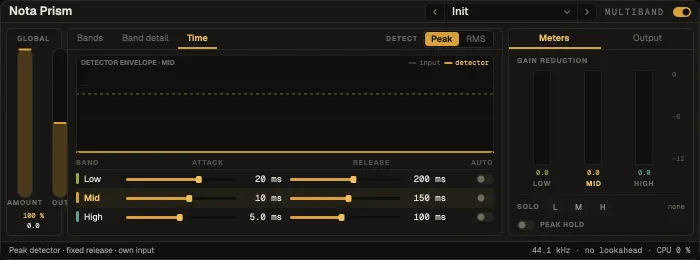
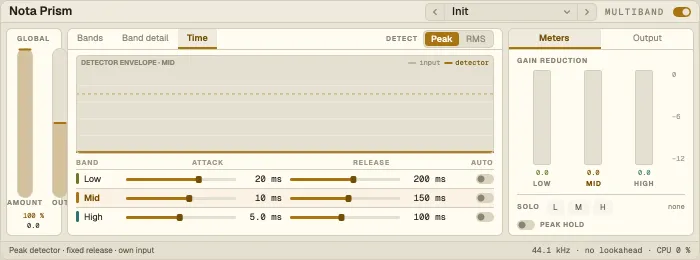
Each band’s input and detector level over time, so you see what the dynamics react to.
Global and Output
Section titled “Global and Output”| Control | What it does |
|---|---|
| Amount | Scales every ratio — 0 % switches the dynamics off |
| Detect | Peak or RMS |
| Lookahead | Reacts before peaks; compensated automatically |
| Auto makeup | Restores the level lost to compression |
| Mix | Parallel blend with the dry signal, phase-coherent |
| Output · soft clip | Output gain, and a soft clipper at −0.3 dBFS |
A sidechain from another track is split into the same bands, so each band keys off the matching band of the key; Listen lets you hear the key.
Presets
Section titled “Presets”12 factory presets: Bus Glue, Upward Squash, Noise Floor Cleanup, Single-Band Leveler, Parallel Crush, Low-End Tamer, Gentle Master, Air Lift, Vocal Control, De-Esser, Drum Punch and Two-Band Bass.