

MIDI controllers
Plug in a MIDI keyboard or controller and play: Nota listens to every connected MIDI input by default. Notes go to the selected instrument track; arm the track and press Record to record them.
Choosing inputs
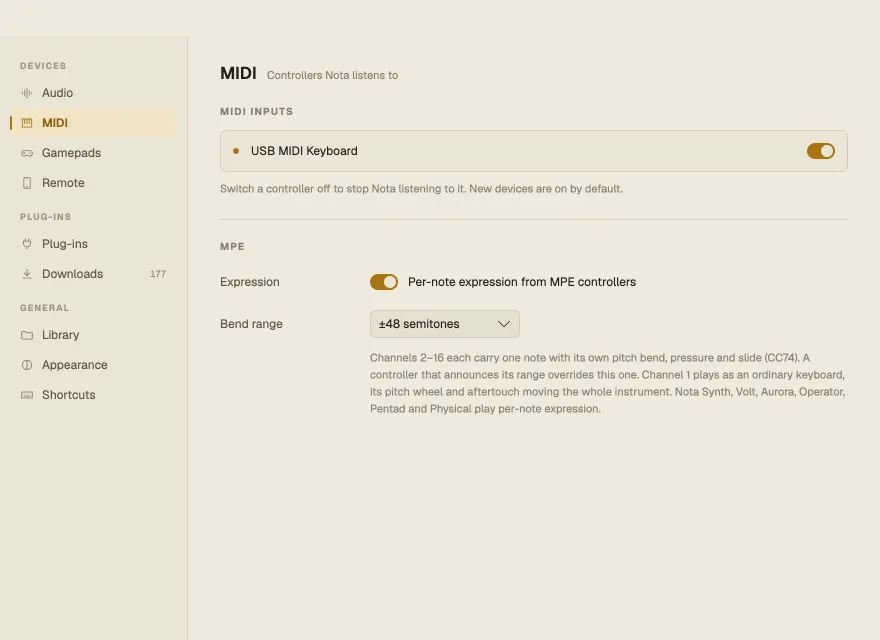
Section titled “Choosing inputs”Settings ▸ MIDI lists the connected MIDI inputs. Switch one off to stop Nota listening to it; new devices are on by default. Plug a controller in while Settings is open and reopen it to see it.
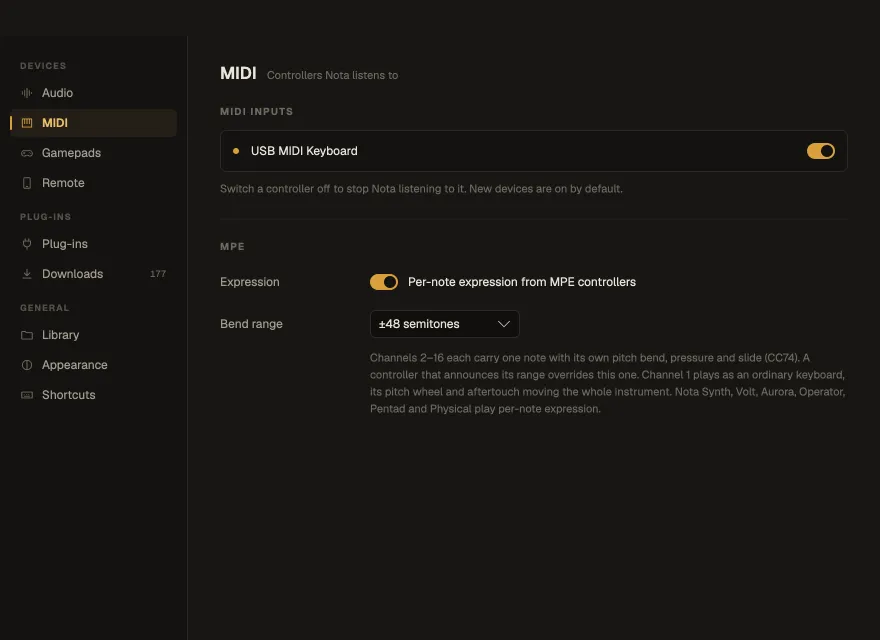
The MIDI button in the transport bar has a dot that flashes when a controller sends something — handy for checking a controller that’s connected but silent.
Pitch wheel, aftertouch and MPE
Section titled “Pitch wheel, aftertouch and MPE”A keyboard’s pitch wheel, aftertouch and CC74 reach Nota’s synths and plug-ins: the wheel bends the whole instrument by the synth’s own bend range (2 semitones, or the patch’s Bend Range where it has one).
An MPE controller (Seaboard, LinnStrument, Osmose, Sensel and the like) gives every note its own channel, so each finger bends, presses and slides its note on its own. Nota understands it out of the box: channels 2–16 carry one note each, channel 1 stays an ordinary keyboard. These synths play per-note expression:
| Synth | Bend | Pressure | Slide (CC74) |
|---|---|---|---|
| Nota Synth, Volt | The note’s pitch | Louder, filter opens | Filter cutoff |
| Aurora | The note’s pitch | Louder, filter opens | Wavetable position |
| Operator | The note’s pitch | Louder, more FM | FM depth |
| Pentad | The note’s pitch | Poly aftertouch: louder, filter opens by Aftertouch Cutoff | Filter cutoff |
| Physical | Retunes the ringing body | Bows it — a held note sustains | How long it rings |
| Keys | Retunes the tine | Drives the tine harder into the pickup — more bark | Shifts the pickup’s symmetry |
An Instrument Rack passes expression to its chains. A plug-in gets the wheel, channel pressure, polyphonic aftertouch and the sustain pedal, but not per-note bend. Switch MPE off, or change the per-note bend range, in Settings ▸ MIDI; a controller that announces its own range overrides it. When you record, each note keeps its bend, pressure and slide: the take plays back as you played it, the expression travels with the note when you move, copy or quantize it, and the piano roll draws it. The pitch wheel, channel pressure and sustain pedal aren’t recorded.
A keyboard’s sustain pedal (CC64) holds the notes of Nota Keys and reaches plug-ins; it is played live and isn’t recorded into clips — automate Keys’ Pedal instead.
No MIDI keyboard? Use the computer keyboard
Section titled “No MIDI keyboard? Use the computer keyboard”| Keys | Play |
|---|---|
| A S D F G H J K | White keys, from C4 |
| W E · T Y U | Black keys |
| Z / X | Octave down / up |
| C / V | Velocity down / up |
It works even while a plug-in’s window has focus. The pressed key lights up on the piano roll.
Knobs and faders
Section titled “Knobs and faders”To make a controller’s knobs, faders and pads move Nota’s controls, use MIDI Learn. A gamepad and your phone can play and control Nota too — see Gamepads and Nota Remote.