

Nota Beat Repeat
Nota Beat Repeat grabs a short slice of what’s playing and repeats it, in time — snare rolls, end-of-bar fills, vocal chops, glitchy stutters.
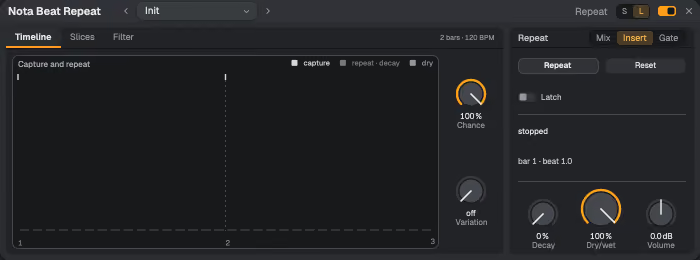
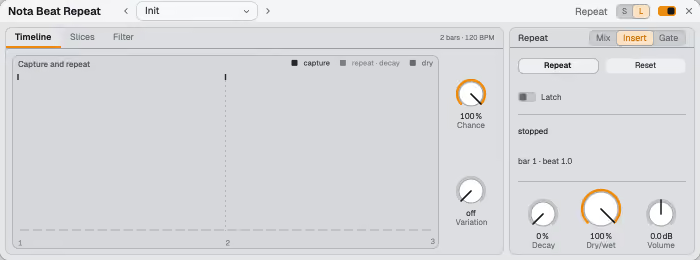
How it works: every Interval (shifted by Offset) it rolls the dice — Chance. When it fires, it captures a Grid-long slice and loops it until the Gate ends, each repeat pitched, faded and filtered.
Layout: a centre panel with three tabs — Timeline, Slices, Filter, each a window with the knobs it shows beside it — and a right panel that follows the tab: Repeat on Timeline, Capture on Slices, Filter on Filter. Under the right panel, whichever tab is open, sit the output knobs Decay, Dry/Wet and Volume. The S / L switch in the header folds the card to S: the timeline over Interval, Repeat, Chance, Gate, Decay and Dry/Wet.
Timing
Section titled “Timing”| Control | What it does |
|---|---|
| Interval · Offset | How often it may fire, and where in the bar |
| Grid | Slice length; Triplet turns the grid into triplets |
| Variation | Lets the grid float a few steps per trigger |
| Chance | Probability of firing at each interval |
| Gate | How long the repeating lasts |
| Repeat · Latch | Force a repeat now, as long as it’s held (or latched on) |
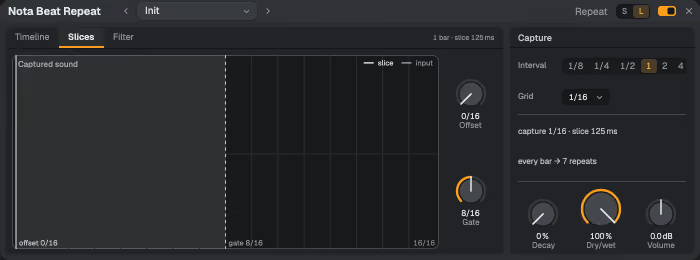
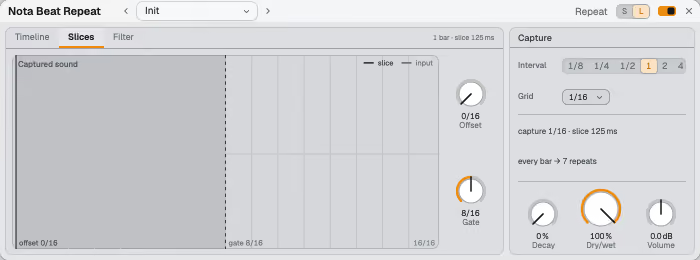
The Timeline tab shows capture and repeats over two intervals, with Chance and Variation beside it; its right panel is Repeat: the mode in its title bar, Repeat and Reset, Latch, and what the repeater is doing now. Slices shows the interval’s sound with the offset, gate and slice on it — drag them, or turn Offset and Gate beside it; its right panel is Capture: Interval and Grid (with its triplets) and the slice it takes.
Filter and pitch
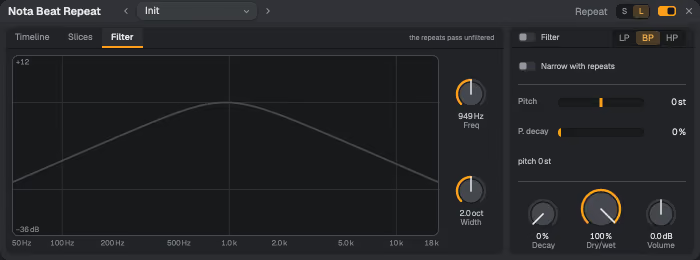
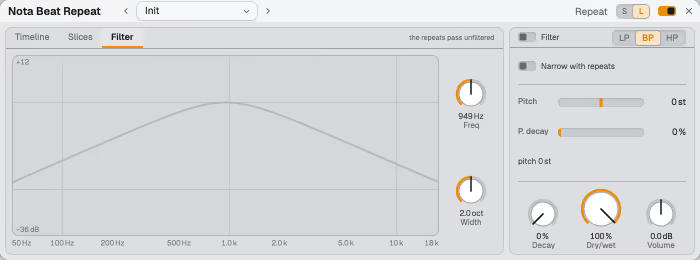
Section titled “Filter and pitch”The Filter tab draws the repeat filter on the same graph as Auto Filter, with a later repeat’s response dashed; drag it sideways for the frequency and up or down for the width (up is narrower), or turn Freq and Width beside it. Its right panel has the filter’s switch and LP, BP or HP in the title bar, Narrow with repeats, Pitch and Pitch decay (each repeat lower — a dive).
Output
Section titled “Output”Decay makes each repeat quieter, Dry/Wet blends, Volume sets the repeats’ level. The mode in the Repeat panel picks how they meet the dry signal: Mix (repeats over the dry), Insert (repeats replace the dry while they play) or Gate (only the bursts sound).
Presets
Section titled “Presets”31 factory presets: stutters (Classic Stutter, Half-Bar Roll, Snare Stutter, End-of-Bar Fill, Build-Up Roll, Stutter Mix, Glitch Gate, Triplet Tumble), random (Random Glitch, Micro Buzz, Buffer Shuffle, Sparse Surprise), pitch (Pitch Drop, Tape Drop, Octave Up Flutter, Fifth Echo, Dive Bomb, Chipmunk Roll), filtered (Filtered Chops, Telephone Repeats, Low-Pass Fade, High-Pass Riser, Radio Stutter), by instrument (Hat Roll, Kick Stutter, Vocal Chop, Vocal Echo Tail) and performance (Hold to Stutter, Latch Freeze, Gate Only Bursts).
- Play it live: map Repeat to a pad or a key with MIDI Learn.
- Beat Repeat needs the transport running to follow the bar.