

Gamepads
On macOS, a game controller — Xbox, DualShock, DualSense, Switch Pro, 8BitDo — can play notes and drive Nota’s controls.
Turning it on
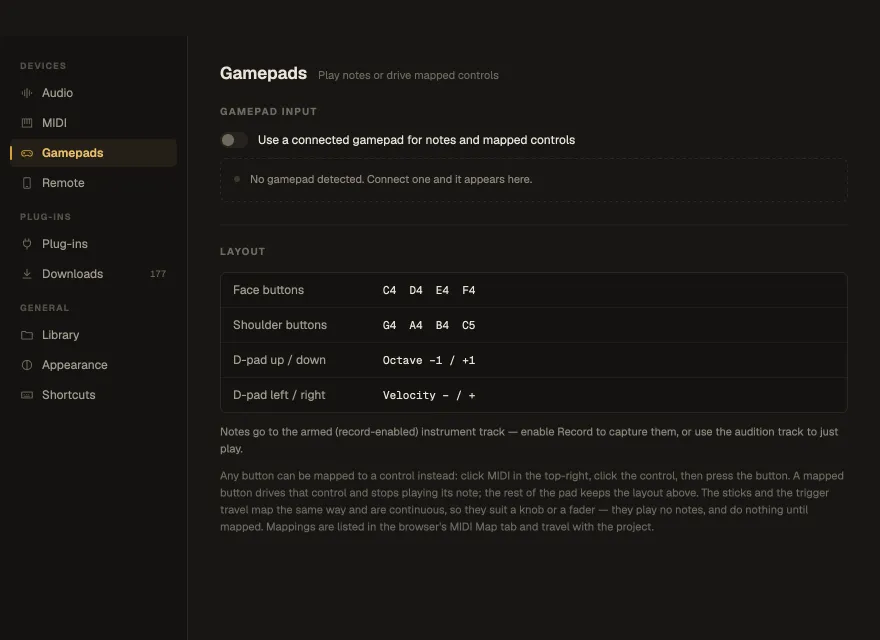
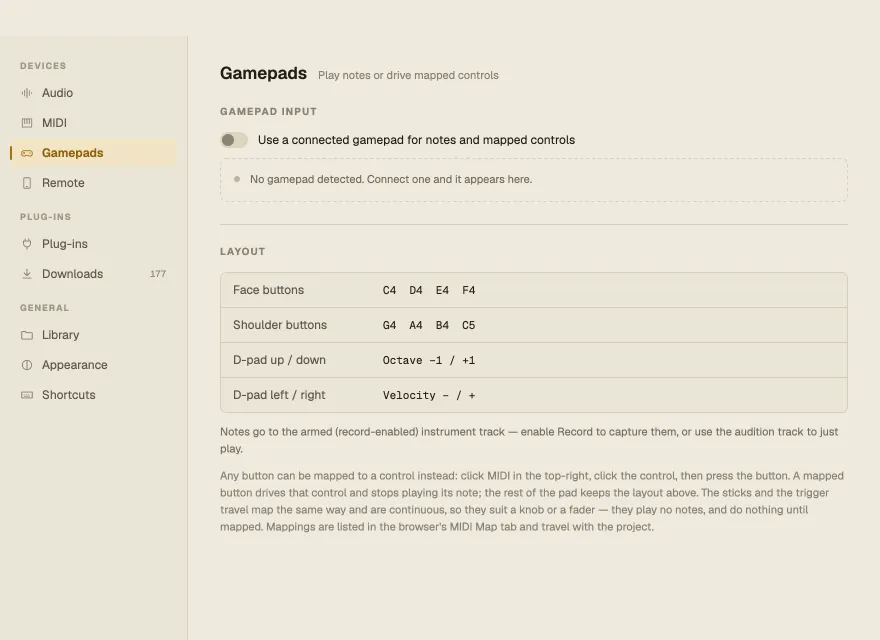
Section titled “Turning it on”Settings ▸ Gamepads ▸ Use a connected gamepad for notes and mapped controls. Connected pads appear in the list, with the last button pressed; plug and unplug freely.
Playing
Section titled “Playing”| Control | Plays |
|---|---|
| Face buttons | C4 · D4 · E4 · F4 |
| Shoulder buttons | G4 · A4 · B4 · C5 |
| D-pad ↑ / ↓ | Octave −1 / +1 |
| D-pad ← / → | Velocity − / + |
Notes go to the armed instrument track — press Record to capture them — or to the track you’re auditioning. Unplugging releases held notes.
Mapping
Section titled “Mapping”Through MIDI Learn, any button can drive a control instead — it stops playing its note, and the rest of the pad keeps the layout above, so one controller both plays and mixes. Sticks and triggers map as continuous controls: sweep a filter, ride a fader. Sticks rest centred (with a deadzone, so a worn stick doesn’t drift), triggers rest at zero. Mappings follow the control, not the pad slot, so replugging doesn’t break them.