

Mixer
The Mixer opens in its own window — View ▸ Mixer or ⌘⇧M — so you can keep it on a second screen next to the Arrangement or Session.
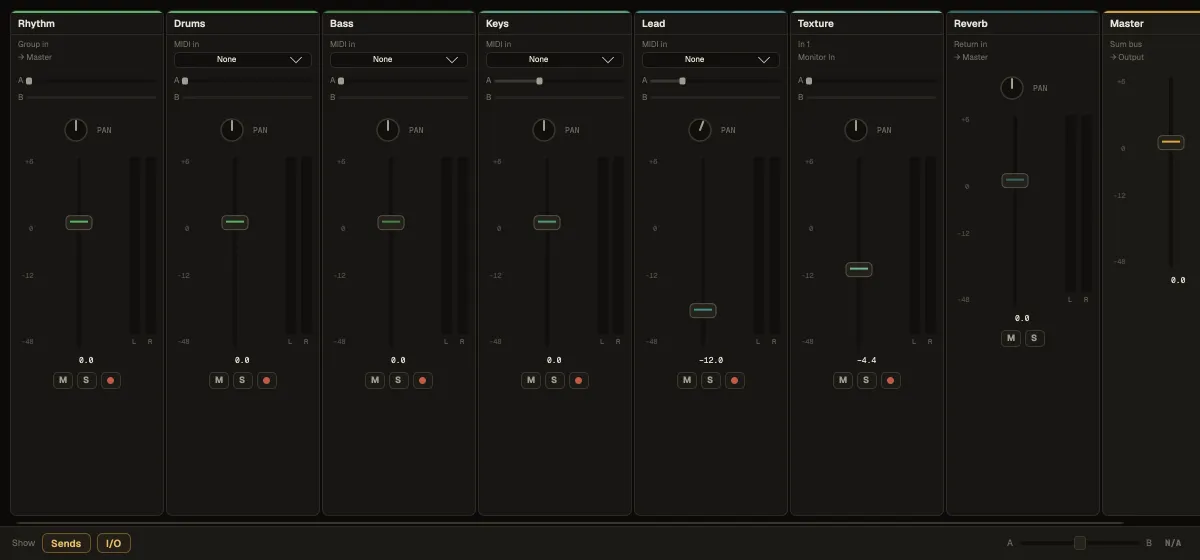
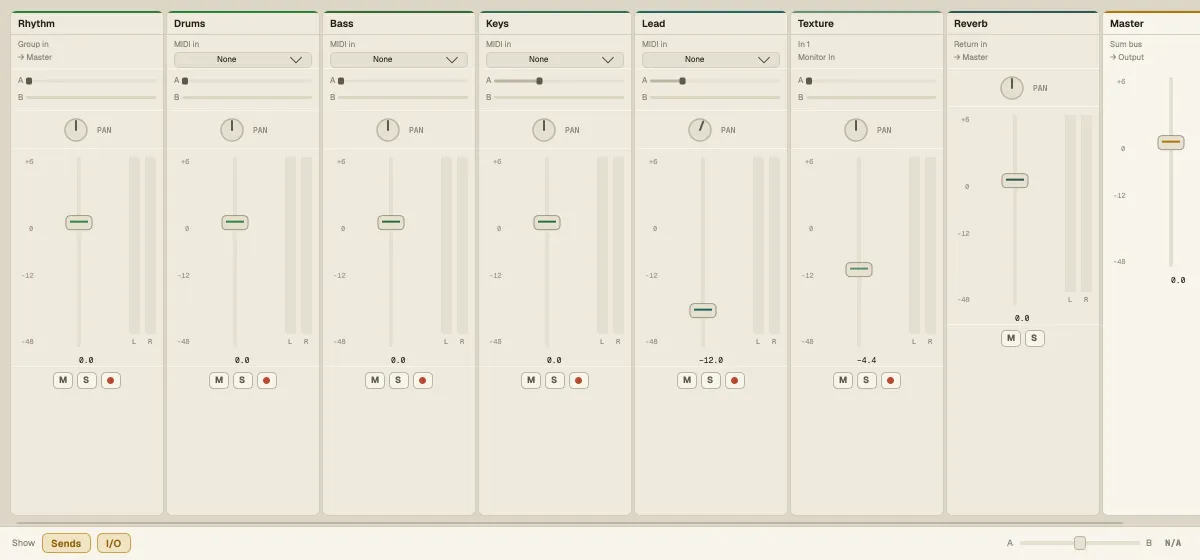
A channel strip
Section titled “A channel strip”Top to bottom, each track gets:
- its name and colour;
- I/O — where the track listens: the audio input (In 1 …) and Monitor (Auto or In) for audio tracks, MIDI In / MIDI To for instrument tracks; group and return strips show what feeds them;
- Sends — one knob per return track;
- PAN and the volume fader with its meter. Drag the gain readout or double-click it to type a value; double-click the fader to reset it;
- Mute, Solo and arm buttons.
Return tracks come after the tracks, and the Master strip closes the row. Show at the bottom switches the Sends and I/O sections on or off.
Sends and returns
Section titled “Sends and returns”A return track is a shared effect bus. Add one (right-click the empty space below the tracks ▸ Add return track), put a Reverb or Delay on it, then turn up each track’s send to it. Every track goes to the same reverb, and one fader on the return sets how much of it you hear.