

Scanning plug-ins
Nota builds a catalogue of your installed plug-ins by scanning them in a separate process (so a misbehaving plug-in can’t crash Nota).
Where Nota looks
Section titled “Where Nota looks”- VST3 — the system’s standard VST3 folders: on macOS
~/Library/Audio/Plug-Ins/VST3and/Library/Audio/Plug-Ins/VST3; on WindowsC:\Program Files\Common Files\VST3; on Linux~/.vst3,/usr/lib/vst3and/usr/local/lib/vst3— plus the folder Nota installs registry plug-ins into, and any folder you add. - AU (macOS) — the system’s Audio Unit registry.
Adding a folder and rescanning
Section titled “Adding a folder and rescanning”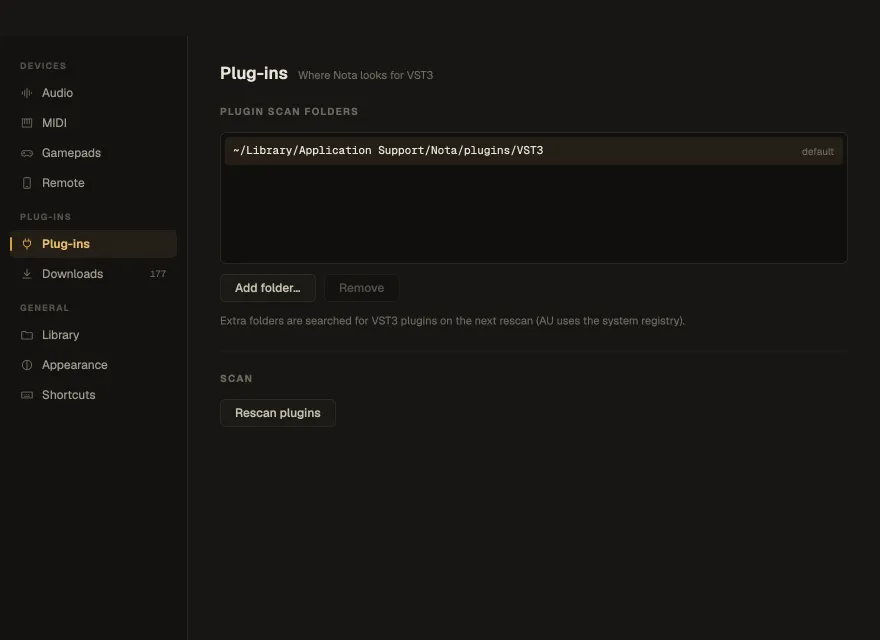
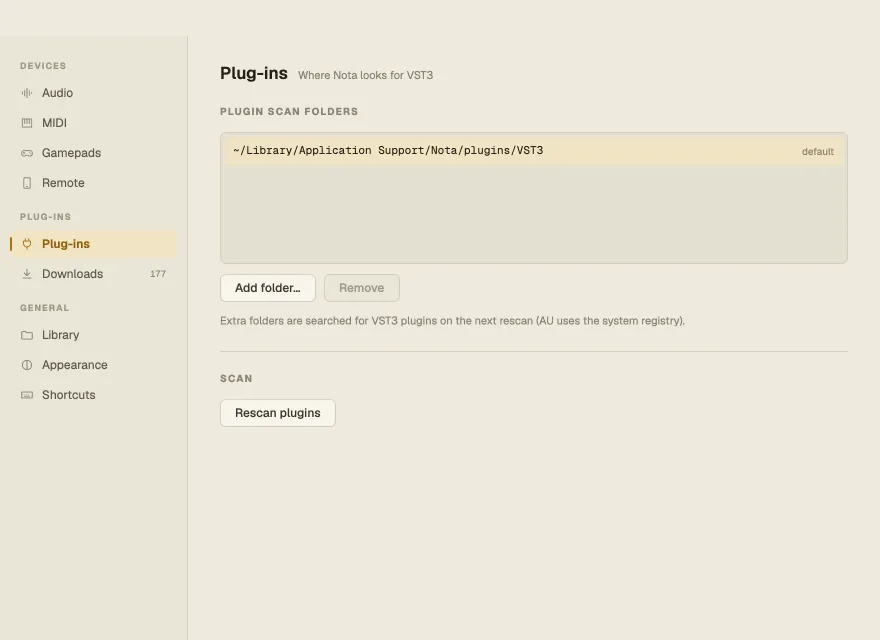
- Open Settings ▸ Plug-ins.
- Add folder… adds a folder to search for VST3 plug-ins; Remove takes one away.
- Rescan plugins scans everything again. The status says how many folders it searched and how many plug-ins it found.
Plug-ins installed from Settings ▸ Downloads are scanned automatically.