

Nota Sampler
Nota Sampler plays one sample, pitched by the note you play relative to a root key. Use it for one-shots, chopped loops, or any recording you want to play as an instrument.
Getting a sample in: drop an audio file on the card (or on the track), drag one from the browser, or drag an audio clip from the Arrangement onto the track. Double-clicking Nota Sampler in the browser adds a track and opens the card, ready for a drop.
Signal flow: sample (start / end / loop) → pitch → amp envelope → filter → output.
Sample
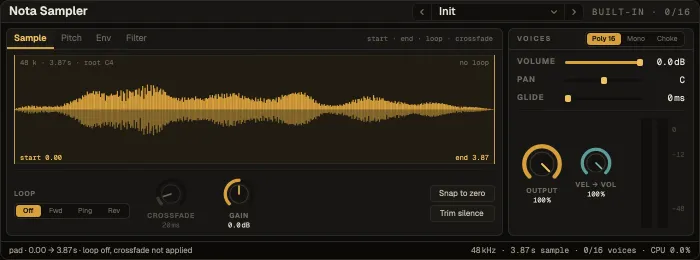
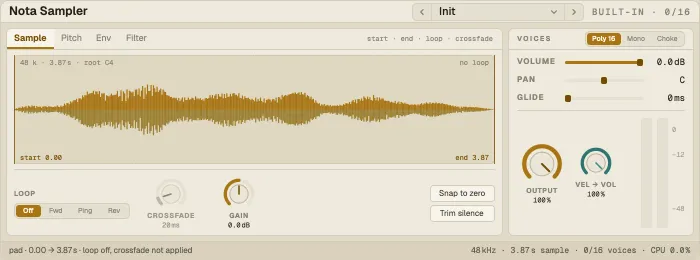
Section titled “Sample”The waveform shows the part that plays, the loop and its crossfade, and the playhead. Drag Start and End (the bright lines) to set the window.
| Control | What it does |
|---|---|
| Loop | Off (one-shot), forward, or ping-pong; a forward loop can also run in reverse |
| Loop start · Loop end · Crossfade | The loop window and a crossfade that hides the seam |
| Reverse | Play the sample backwards |
| Gain | Sample level before the envelope (±24 dB) |
| Snap to zero · Trim silence | Move the edges to zero crossings · skip silence at the start and end |
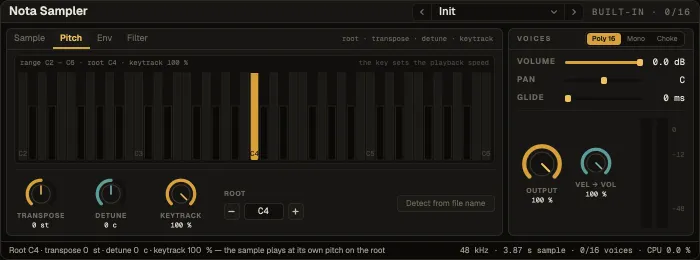
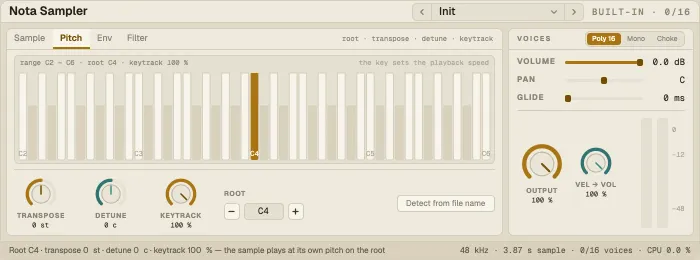
A keyboard C2 … C6: the root key is brass, the note sounding now teal. Click a key to make it the root, or use the arrows next to Root; Detect from file name reads a note name such as “C3” or “F#2” from the file name.
| Control | What it does |
|---|---|
| Transpose · Detune | Shift the whole instrument by semitones · cents |
| Keytrack | How far the key moves the pitch: 100 % chromatic, 0 % every key plays the root |
| Glide | Slide from the last note; in Mono, a legato slide |
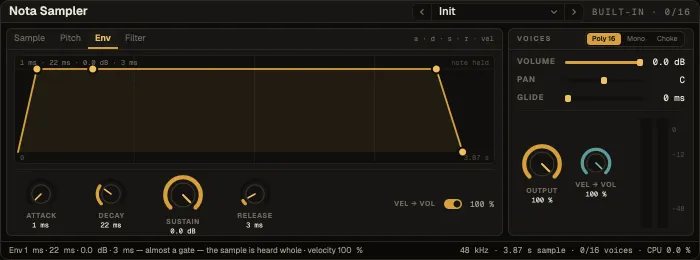
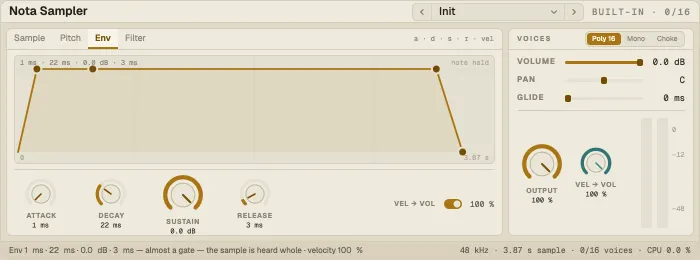
The amp envelope — Attack, Decay, Sustain, Release — drawn as a graph you can drag; the loudest voice rides it as a teal dot. Vel → Vol sets how much velocity changes the level.
Filter
Section titled “Filter”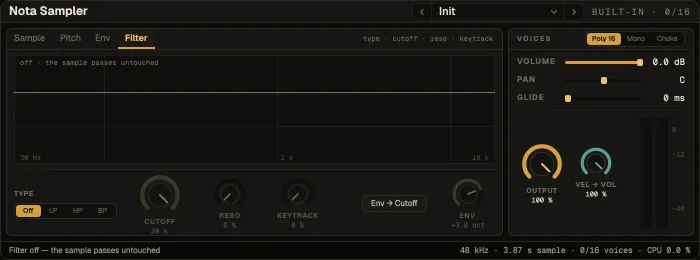
| Control | What it does |
|---|---|
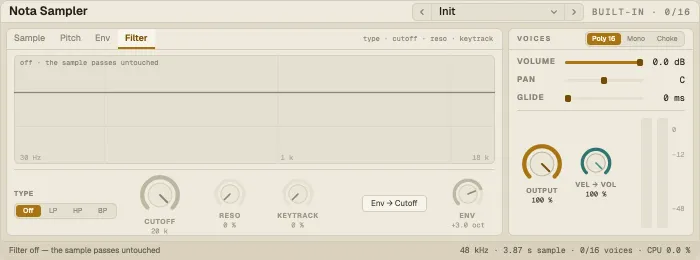
| Type · Cutoff · Reso | The filter and its response — drag the curve for cutoff (↔) and resonance (↕) |
| Keytrack | How far the cutoff follows the note |
| Env → Cutoff | On / off and a ± depth: the amp envelope sweeps the cutoff |
Voices and output
Section titled “Voices and output”Voices — Poly, Mono or Choke (a new note cuts the one sounding: hi-hats, one-shot hits). Volume, Pan and Output set the level and position; Output is the level after everything.
Presets
Section titled “Presets”30 factory presets that shape whatever sample you load: One-Shot, Gated Hold, Soft Velocity, Octave Up, Half Speed, pads (Warm Pad, Glass Pad, Tape Sustain), basses (Mono Bass, Slide Bass, Sub Drop), keys and plucks (Soft Keys, Harp Pluck, Lo-Fi Keys, Music Box), drums (Drum Hit, Choke Hat, Tuned Perc, Chop) and effects (Reverse Swell, Telephone, Dark Room, Envelope Sweep).