

Gamepads
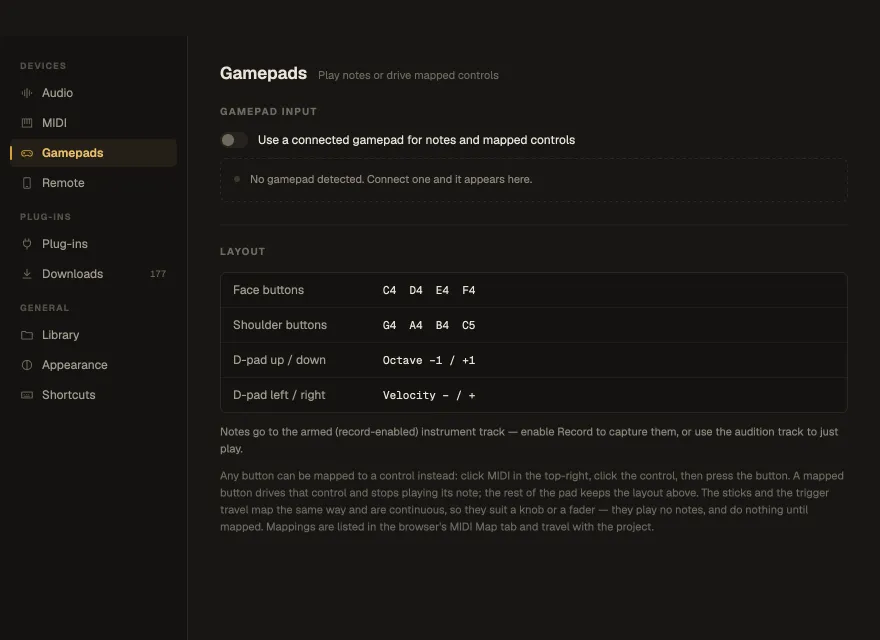
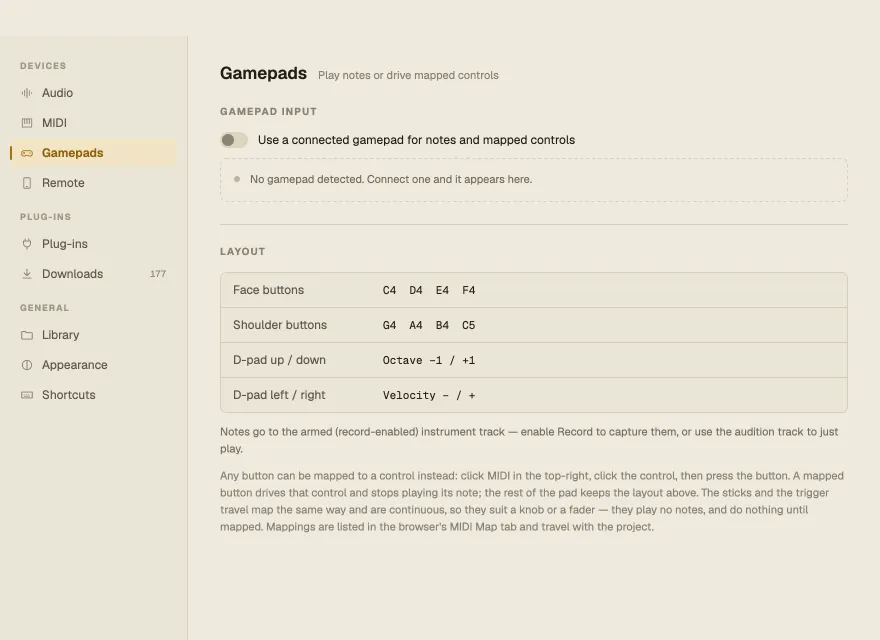
- Use a connected gamepad for notes and mapped controls — the master switch, off by default.
- Gamepad input — the connected pads, with the last control pressed.
- Layout — what the buttons play: face buttons C4 D4 E4 F4, shoulder buttons G4 A4 B4 C5, D-pad up / down the octave, left / right the velocity.
Notes go to the armed instrument track. Gamepad input is macOS-only in this version. See Gamepads.