

AI control over MCP
Nota has a built-in MCP server (Model Context Protocol). With it on, an AI assistant — Claude Desktop or Claude Code — can read and edit the project open in Nota: add tracks, write notes, set up devices, build Session scenes, mix and export. Every change it makes appears on screen immediately and goes through undo, like your own.
Turning it on
Section titled “Turning it on”-
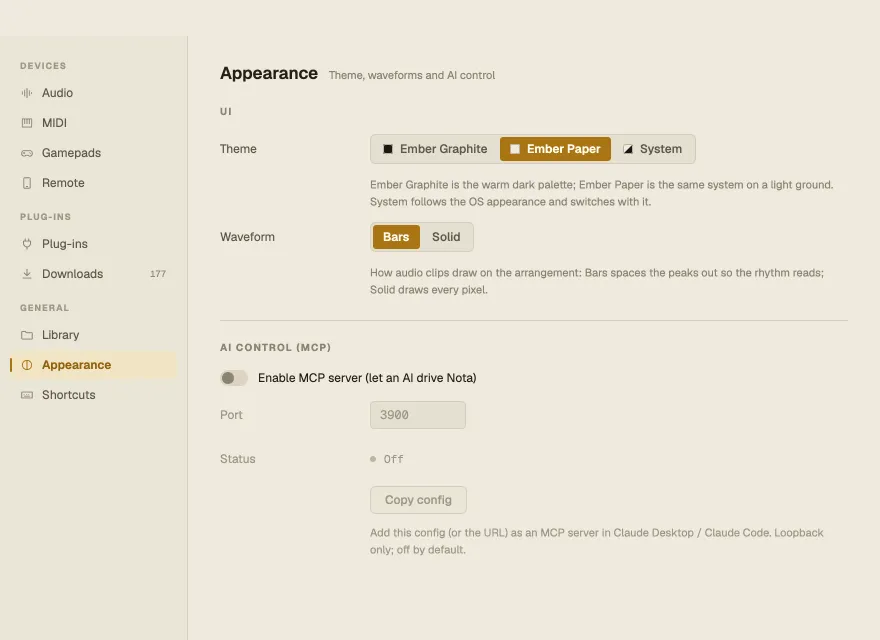
Settings ▸ Appearance ▸ AI control (MCP) ▸ Enable MCP server (let an AI drive Nota). It’s off by default.
-
Copy config copies a ready-made server entry; add it (or the URL) as an MCP server in Claude Desktop or Claude Code.
-
Ask the assistant to work on your project.
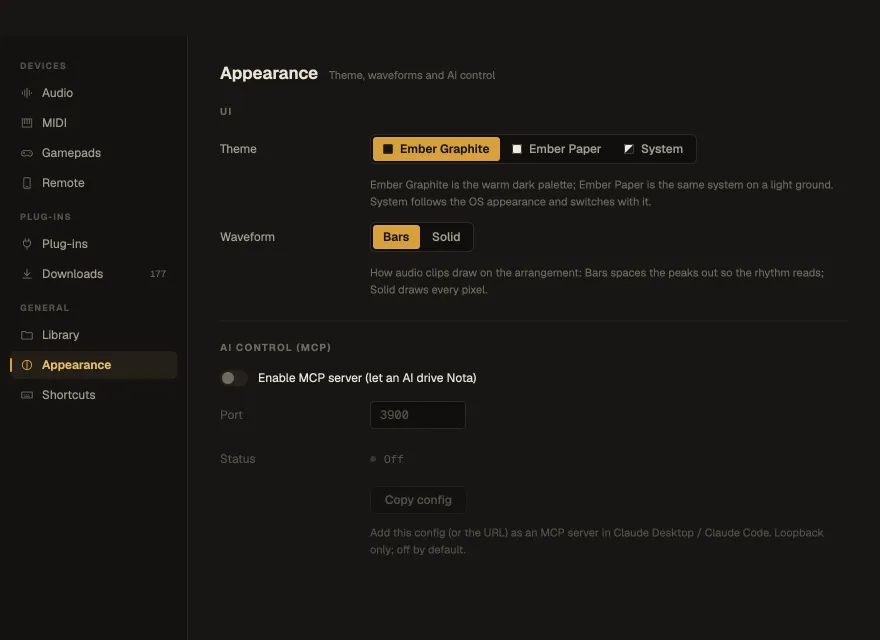
The server listens only on your own computer (127.0.0.1, port 3900 by default) — nothing on the
network can reach it.
What an AI can do
Section titled “What an AI can do”- Transport and project — play, stop, tempo, signature, loop, metronome, a full snapshot of the project, and its version history (list, save with a note, switch, name and star).
- Tracks and mixer — add and remove tracks, volume, pan, mute, solo, groups, sends and returns, meters.
- Notes and clips — MIDI clips and notes, automation lanes and points.
- Devices — instruments, effects and MIDI effects by kind, their parameters, presets (factory and your own), racks and their chains, zones and macros, Drum Rack pads, Nota Rhythm patterns.
- Plug-ins — list, add, open the editor, read and write parameters and state.
- Session — the whole clip launcher: slots, clips, scenes, launching, follow actions, recording.
- Samples — search the library by kind, tempo, key and name, find similar sounds, load samples.
- AI features — Separate Stems and Convert to MIDI on a clip.
- Export — the master or stems to WAV.
- MIDI — list inputs and work with MIDI Learn mappings.