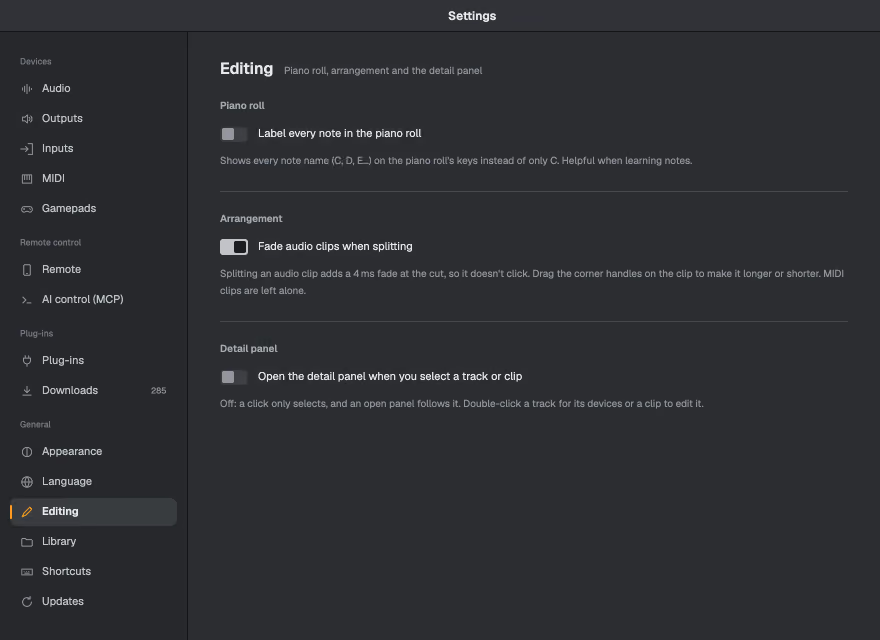
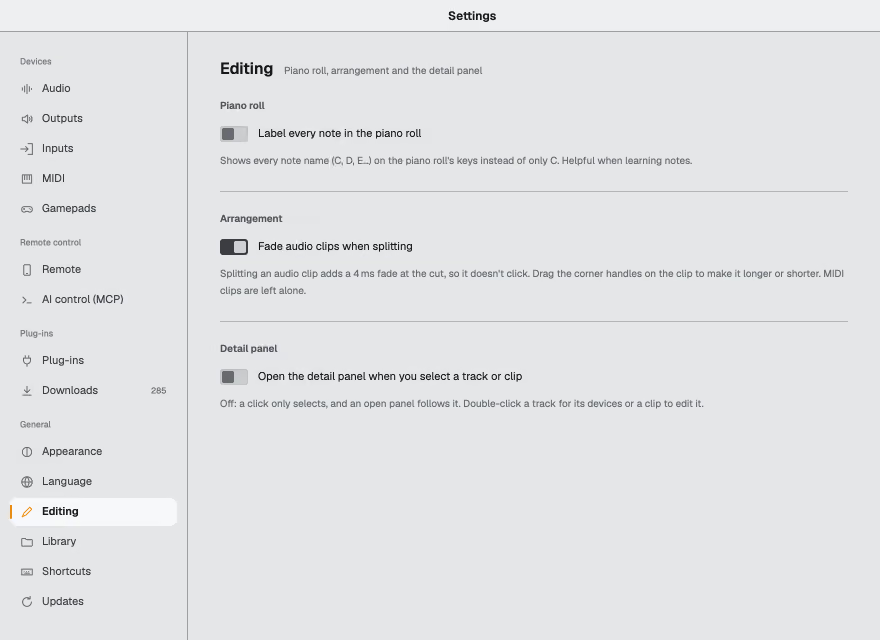
| Label every note in the piano roll |
Off by default: the piano roll’s keys column names only the Cs. On: it names every note (C, C#, D …), a help while you learn them. Very short rows keep C only, so the names stay readable |
| Fade audio clips when splitting |
On by default. Splitting an audio clip writes a 4 ms fade at the cut, so it doesn’t click. Drag the clip’s corner handles to make it longer or shorter. MIDI clips are left alone |
| Open the detail panel when you select a track or clip |
Off (default): a click only selects and a double-click opens the detail panel; an open panel follows the selection. On: every selection opens it |