

AI control (MCP)
Ce contenu n’est pas encore disponible dans votre langue.
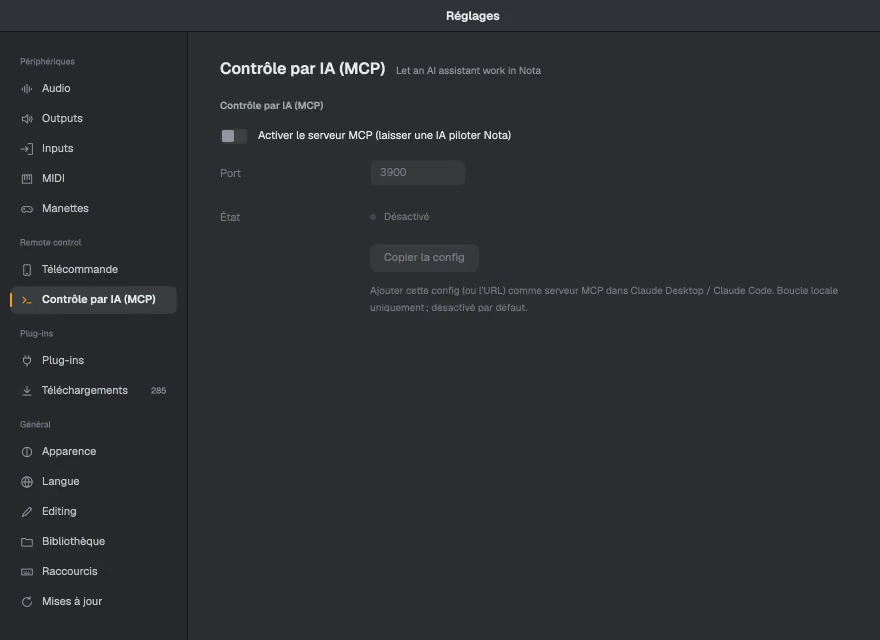
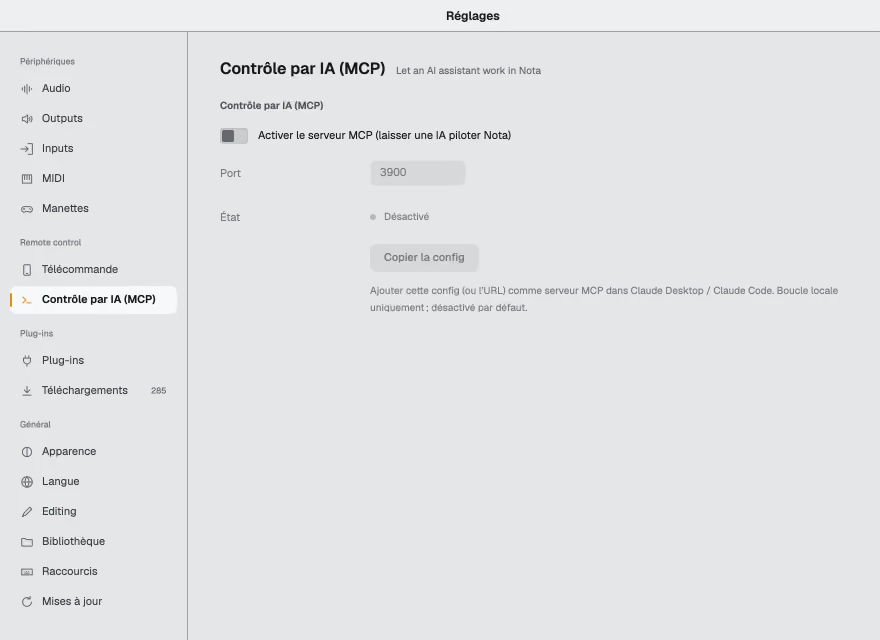
| Setting | What it does |
|---|---|
| Enable MCP server (let an AI drive Nota) | Off by default. On: an AI assistant on this computer can work in the open project |
| Port | The port the server listens on, 3900 by default. Change it if another program uses that port |
| Status | Listening on http://127.0.0.1:3900/ (loopback) while it runs, Off otherwise. Only programs on this computer can reach it |
| Copy config | Copies a ready config with the current port; add it (or the URL) as an MCP server in Claude Desktop or Claude Code |
What an assistant can do there, and how to set one up: AI control over MCP.