

Inputs
Ce contenu n’est pas encore disponible dans votre langue.
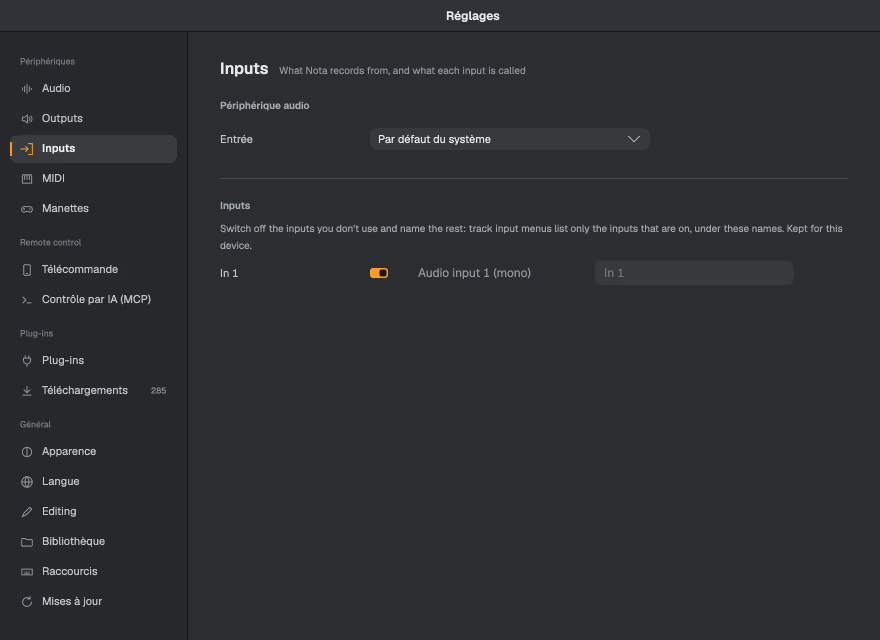
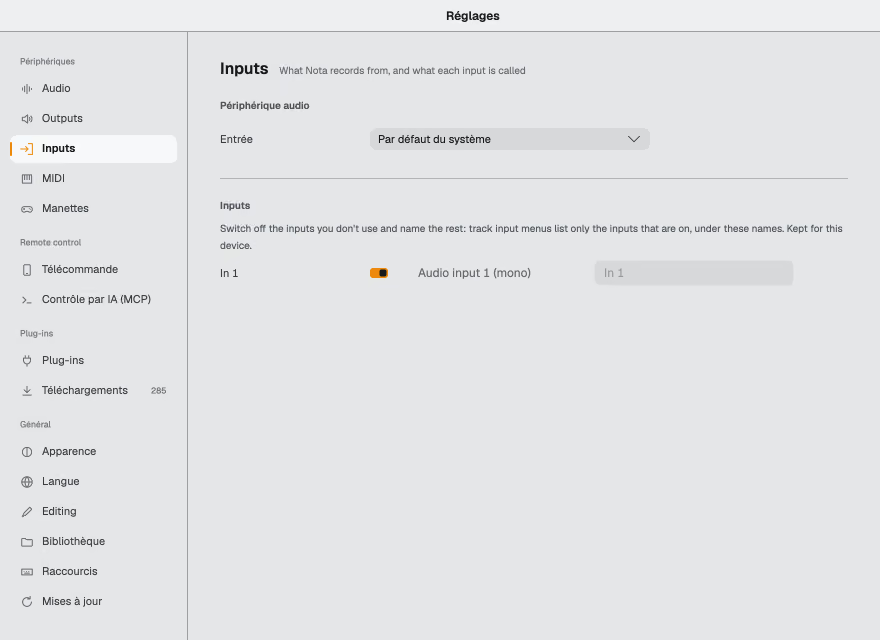
| Setting | What it does |
|---|---|
| Input | The audio device Nota records from. System default follows the computer’s own choice |
Inputs
Section titled “Inputs”Under the device, every input it has, by the name the device gives it (In 1, In 2 …), each with a switch and a field for a name of your own. Then the Stereo pairs (In 1/2, In 3/4 …), which can be named too.
Switch off the inputs you don’t use: the input menus of the tracks list only the inputs that are on, under the names you gave them. Changes apply at once and are kept for this device, so another interface keeps its own setup. With no input device the section says No input device: choose one above, or connect one.
ASIO (Windows)
Section titled “ASIO (Windows)”With ASIO chosen as the audio system on Audio, the driver is picked there. This page names it, with Change on the Audio page to go there, and while the driver runs, Input picks the channel pair Nota records from, by the driver’s own names. A driver without inputs says No inputs on this driver.